Bezels
|
|
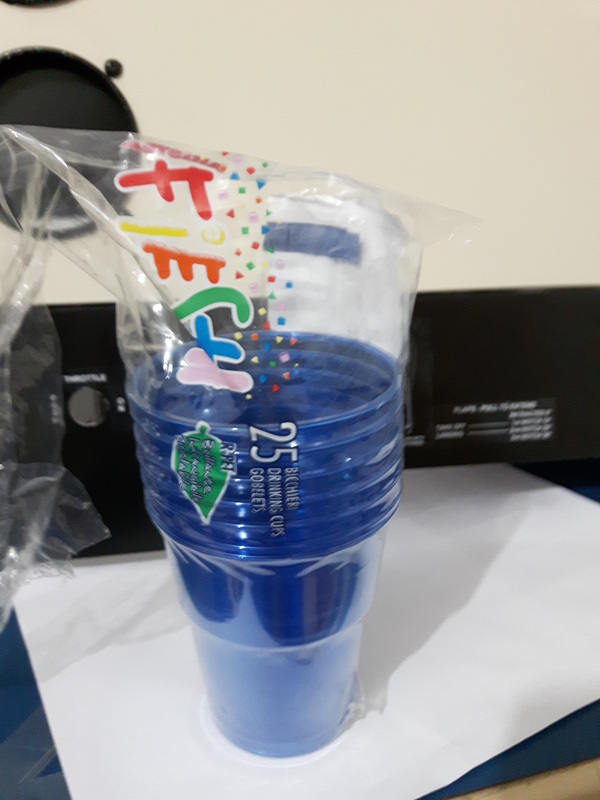
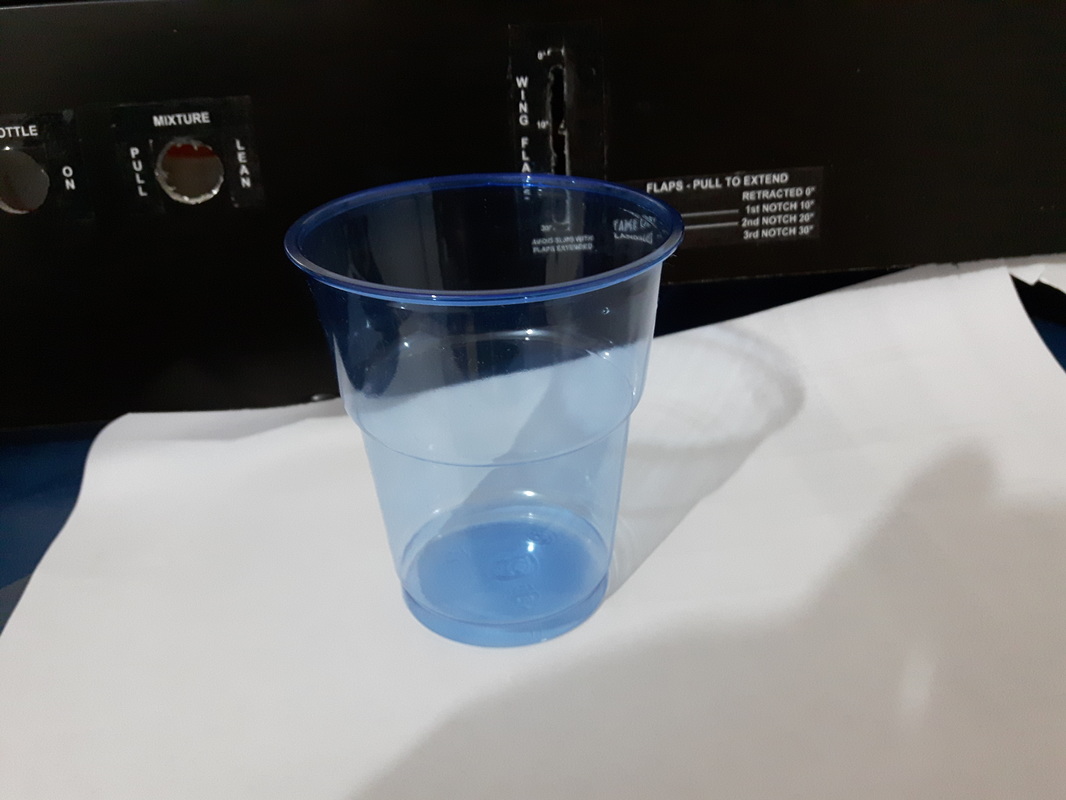
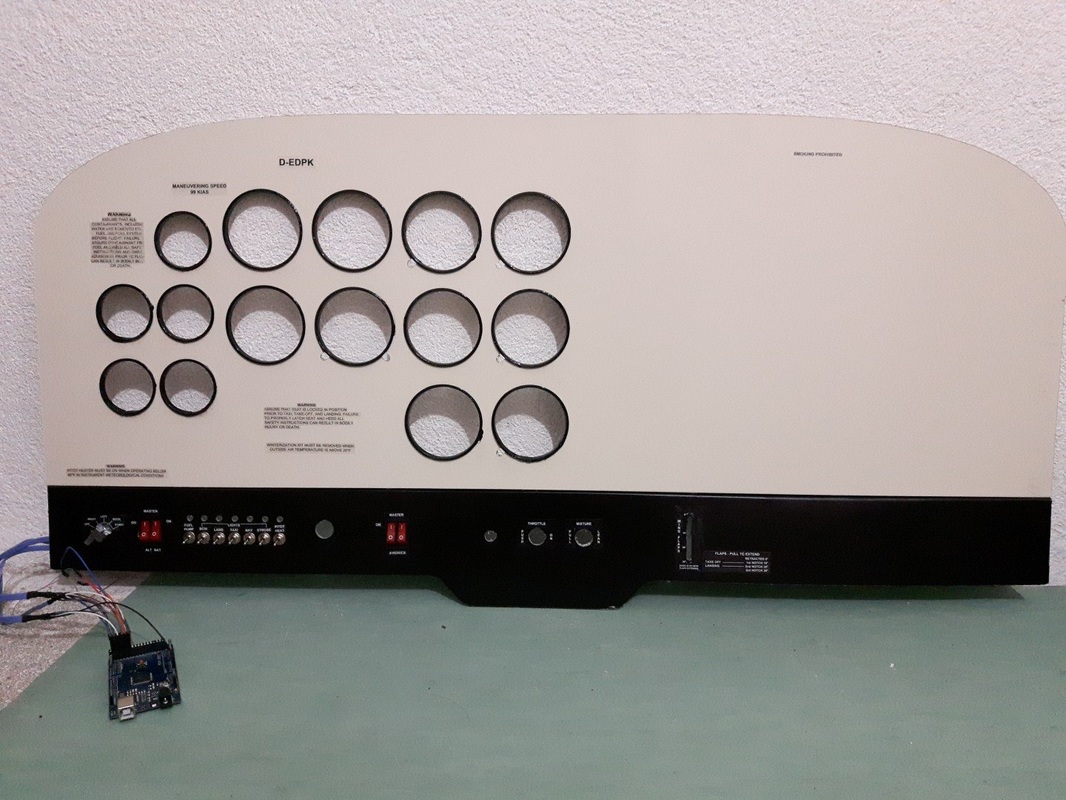
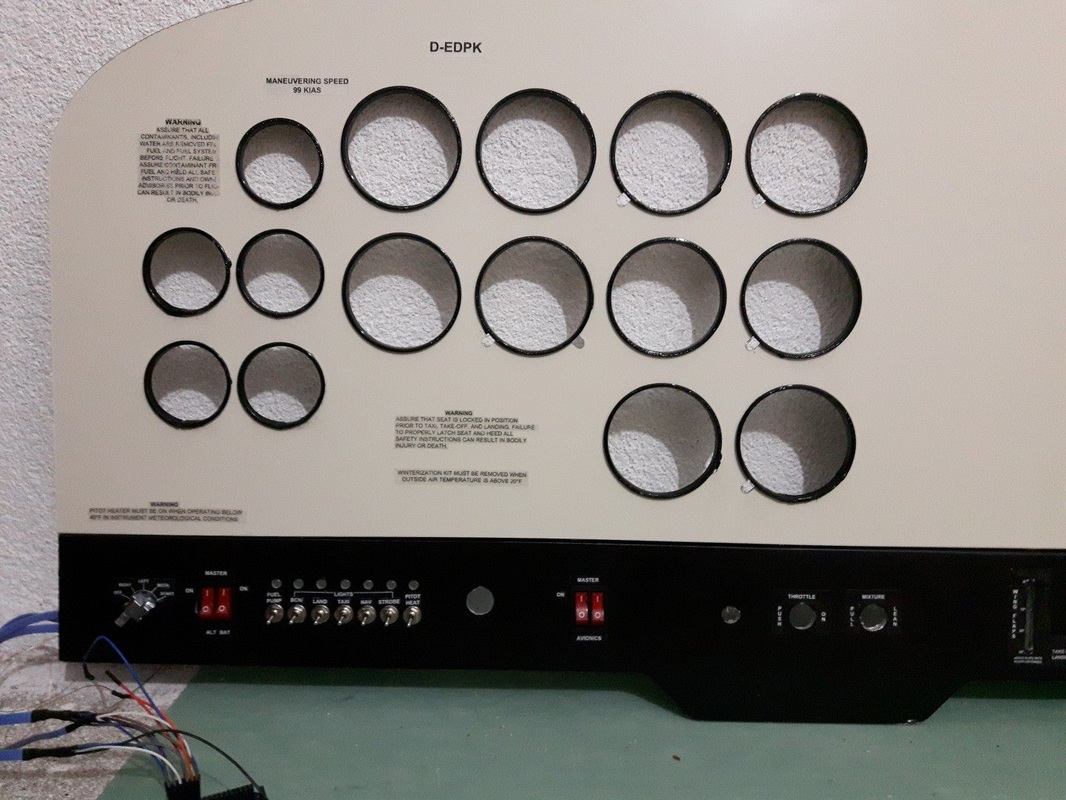
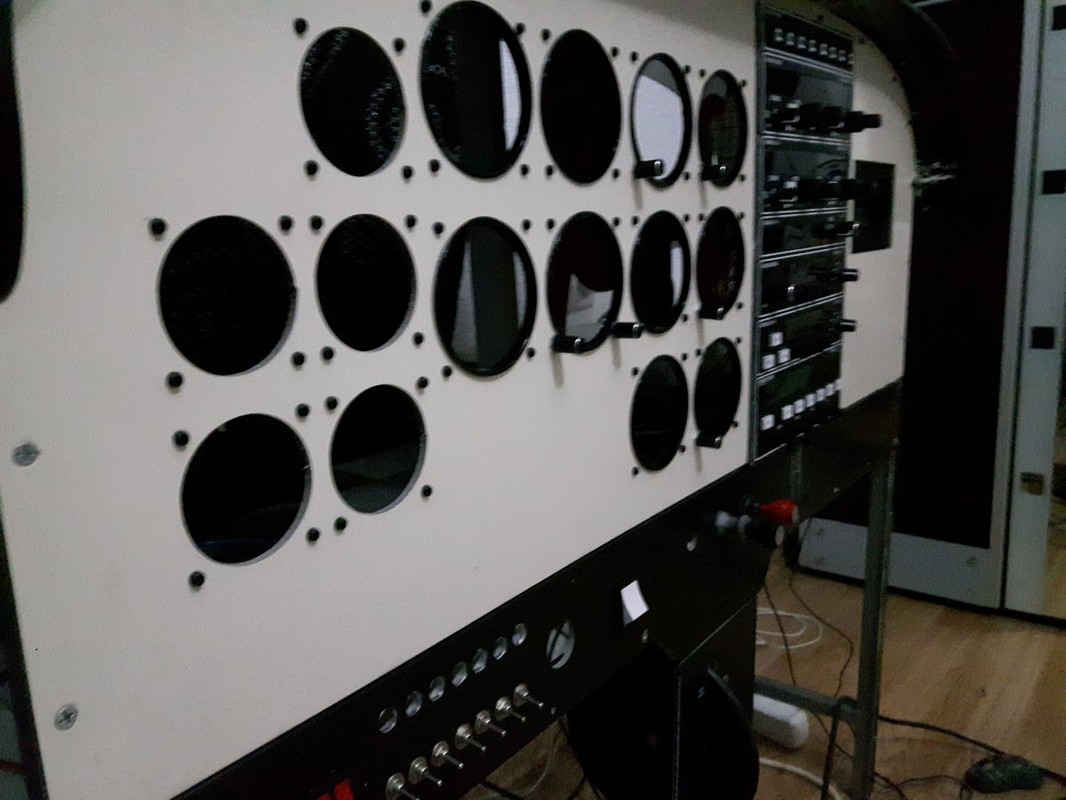
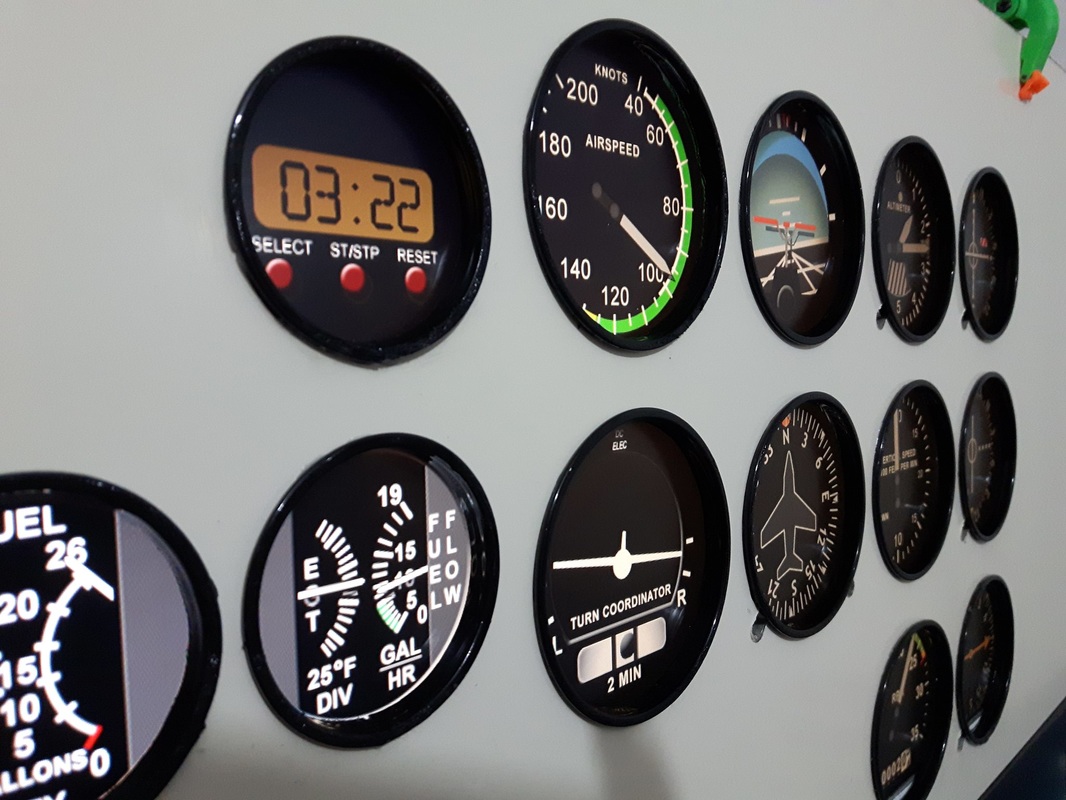
To make the bezels i used plastic cups. There are different ones, but i found the perfect fit for the big gauges. These cups have a diameter of 74mm on the inside and 79mm on the outside. The only problem was that i couldn't find them in black, so took some blue ones and painted them black. For the small gauges i used the same , just cut a piece out of it and glued them on the panel using CA glue. To cut them i just put them on the panel and cut them with a sharp knife from the other side.
|
|
|
|
|
|
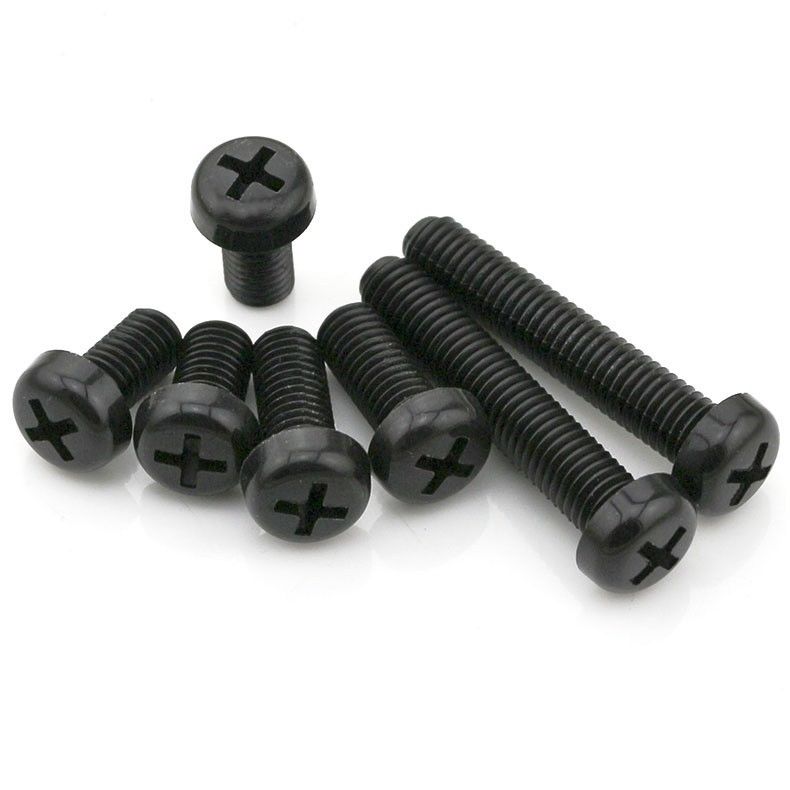
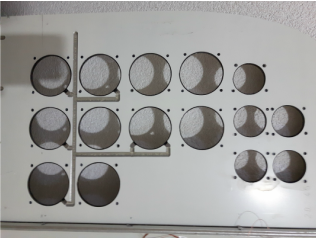
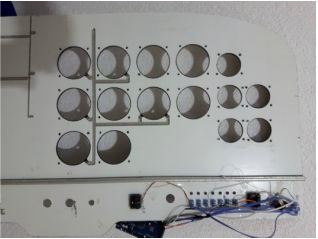
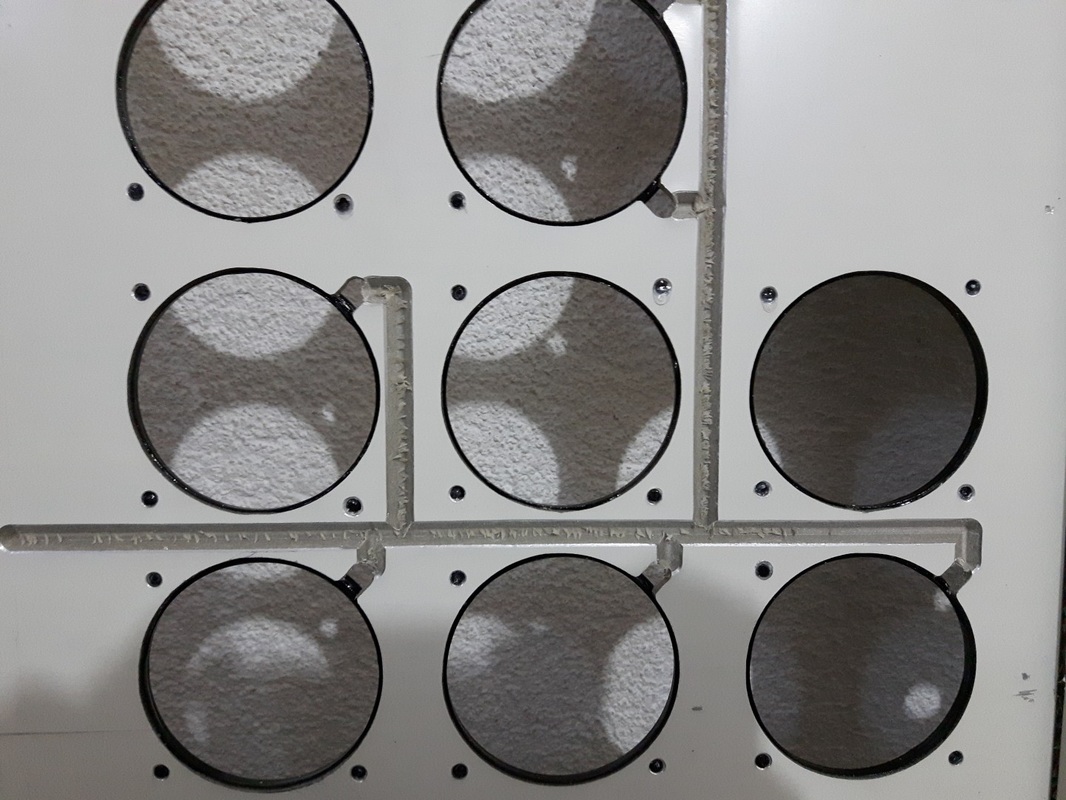
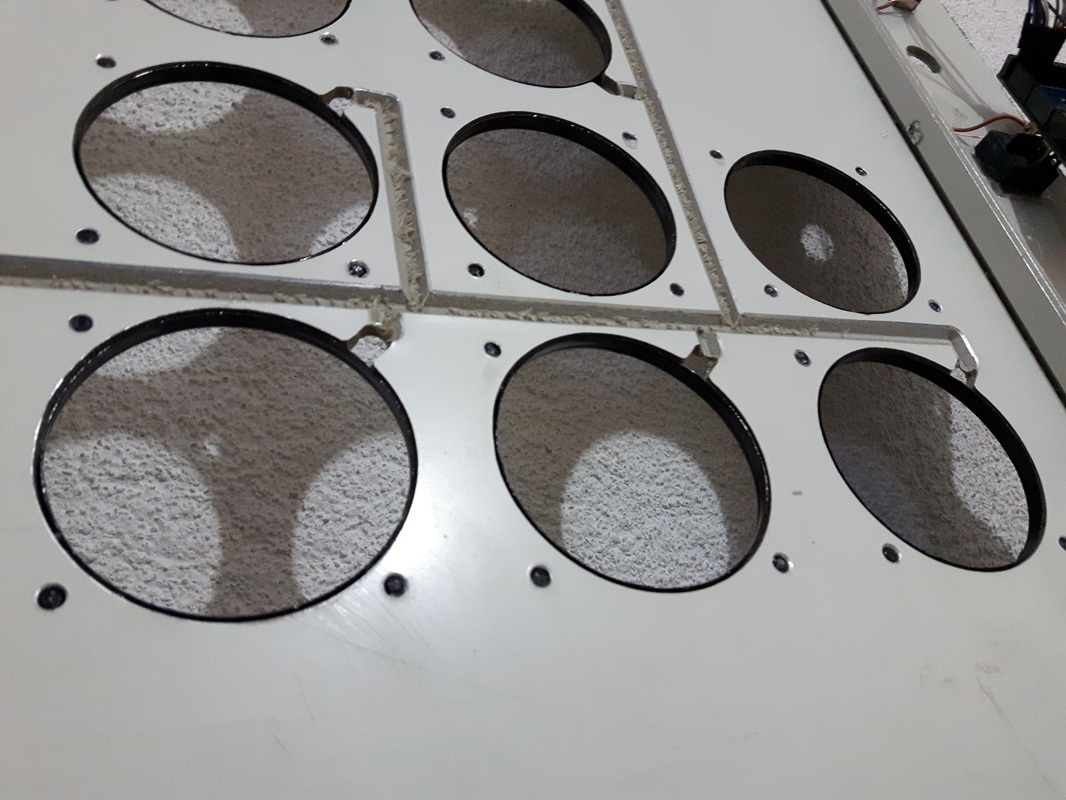
For screws that hold the gauges in place i couldn't find black ones locally, so i just bought white and painted them black, drilled the holes around the gauges, cut the screws 4mm length and glued them using CA glue. You could also use nylon screws like in the picture. If you can't find them locally, search on ebay, there are plenty of them and pretty cheap. In the pictures below you will see the back of the panel with the channel for rotary encoders wires, and with the bezels end screws mounted.
|
|
|
|
|
|
3D Printed Bezels
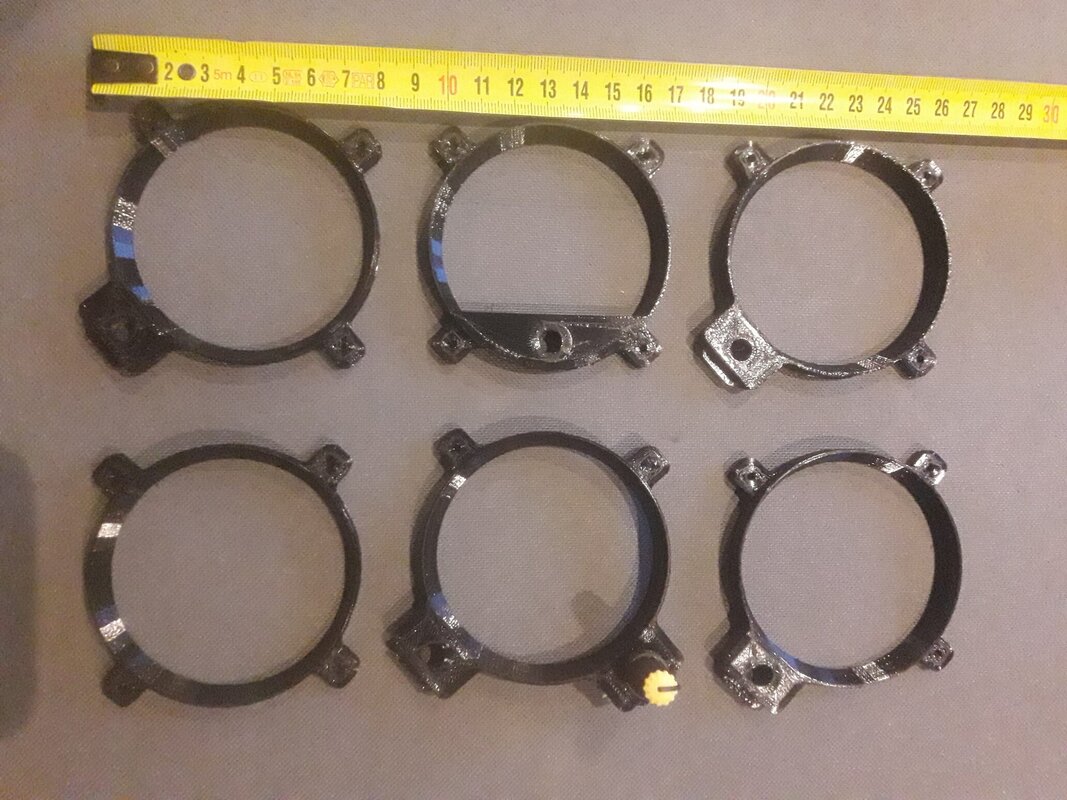
If you happen to have a 3D Printer or have access to one, you can 3D Print the bezels. The author is allanglen. He has done a great job on designing a lot of parts to 3D print.
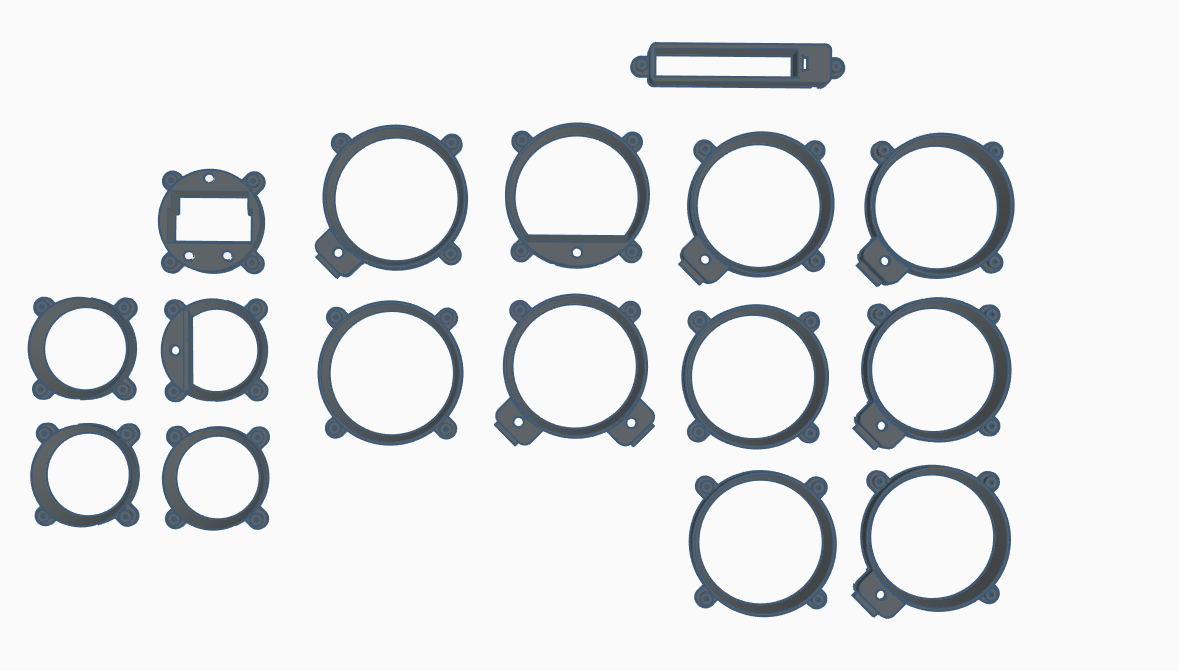
User Bosal has made these bezels slightly smaller, below you will find the thingiverse link where you can also check the dimensions (thank you Bosal)
2015, Copyright AlbEAGLE