Software
Project Magenta GAIFR
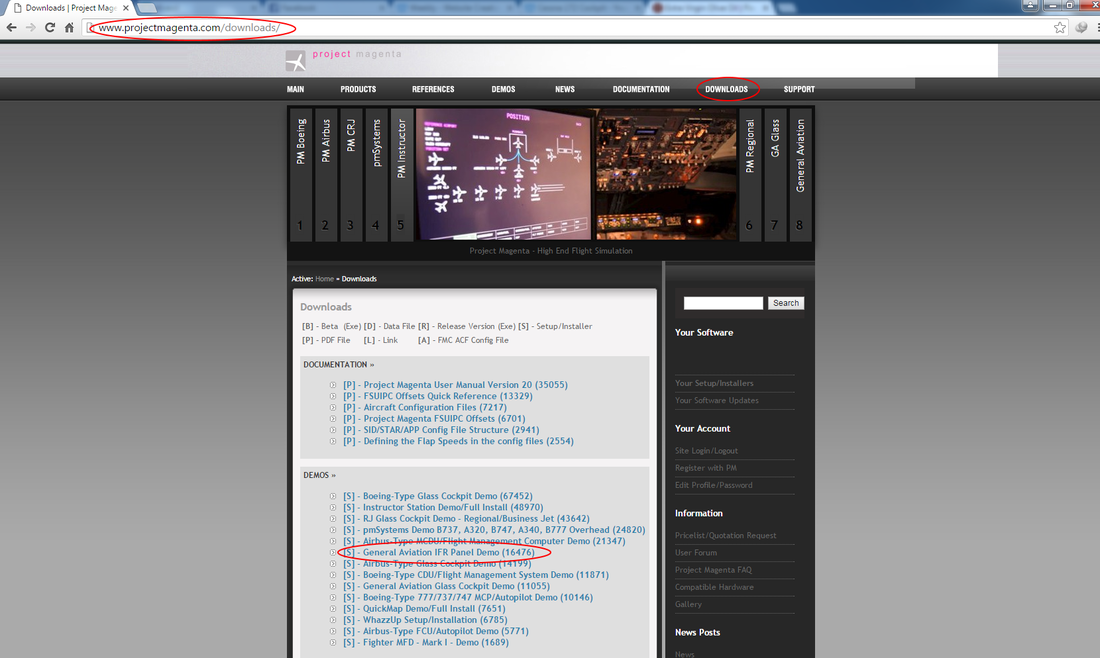
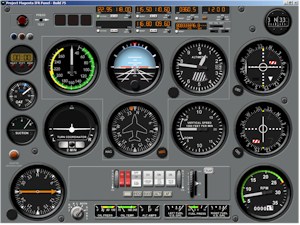
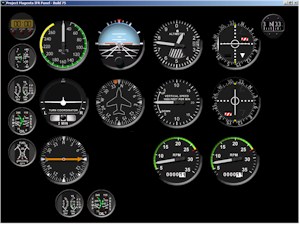
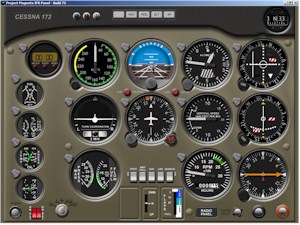
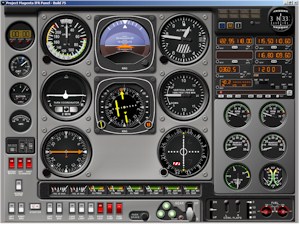
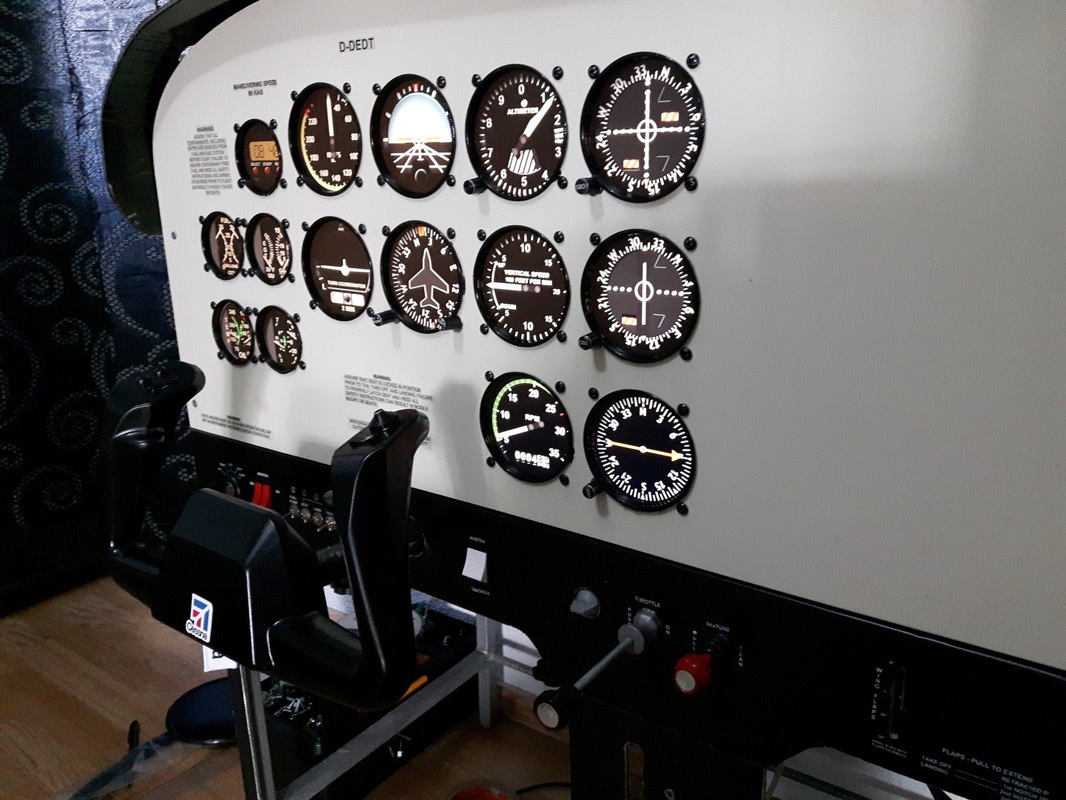
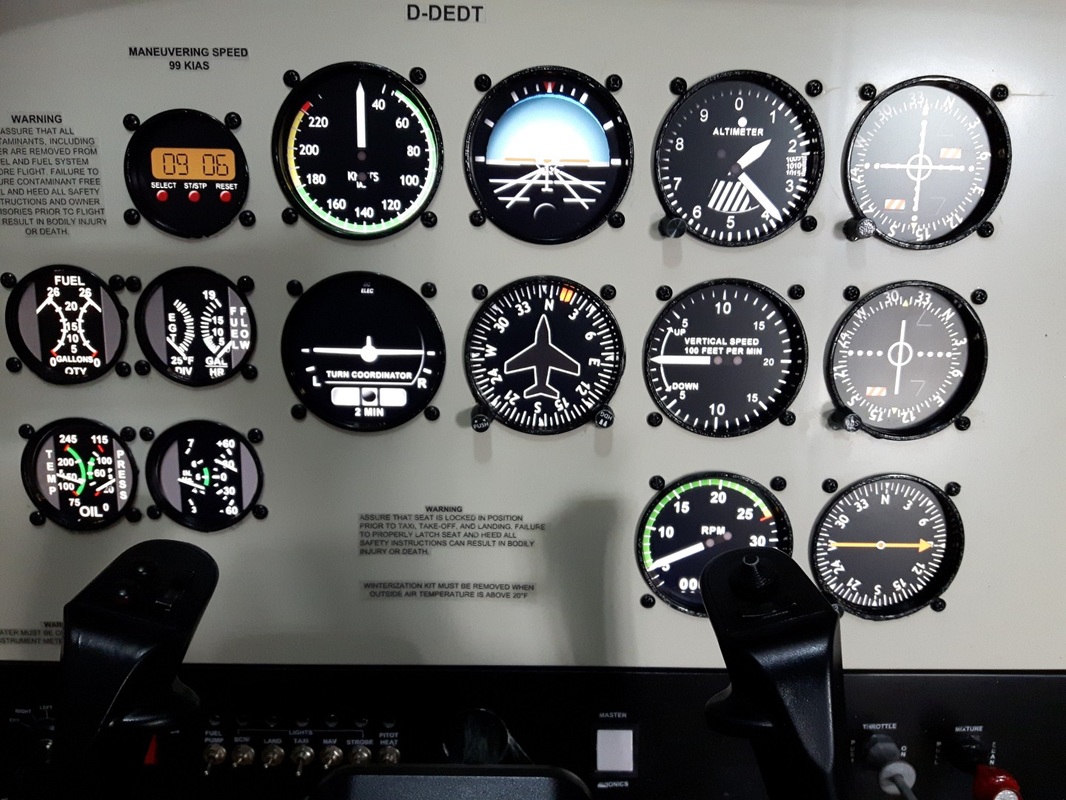
To display the instruments on the main panel, i'm using Project Magenta General Aviation IFR panel demo version until i finish the cockpit. On their website there are no prices so you have to send them a Pricelist/Quotation request. I like the software very much and i recommend it as it looks great, is very easy to use and works flawlessly on my setup. I have found a glitch with the speedometer but increasing the Max Airspeed, solves the problem. To download a demo or to purchase the PM GAIFR software, go to their website (click here) and register (it's free). After you register, if you want to download a demo, go to Downloads and choose General Aviation IFR Panel Demo so you will download a demo time limited version, which will give you an idea how it works. If you want to purchase it, go to Pricelist/Quotation request and fill the form. You will receive an e-mail with the quotation from Project Magenta. PM GAIFR contains four types of cockpits: Piper panel, Black Instruments, Cessna Panel and Twin Panel.
|
|
|
|
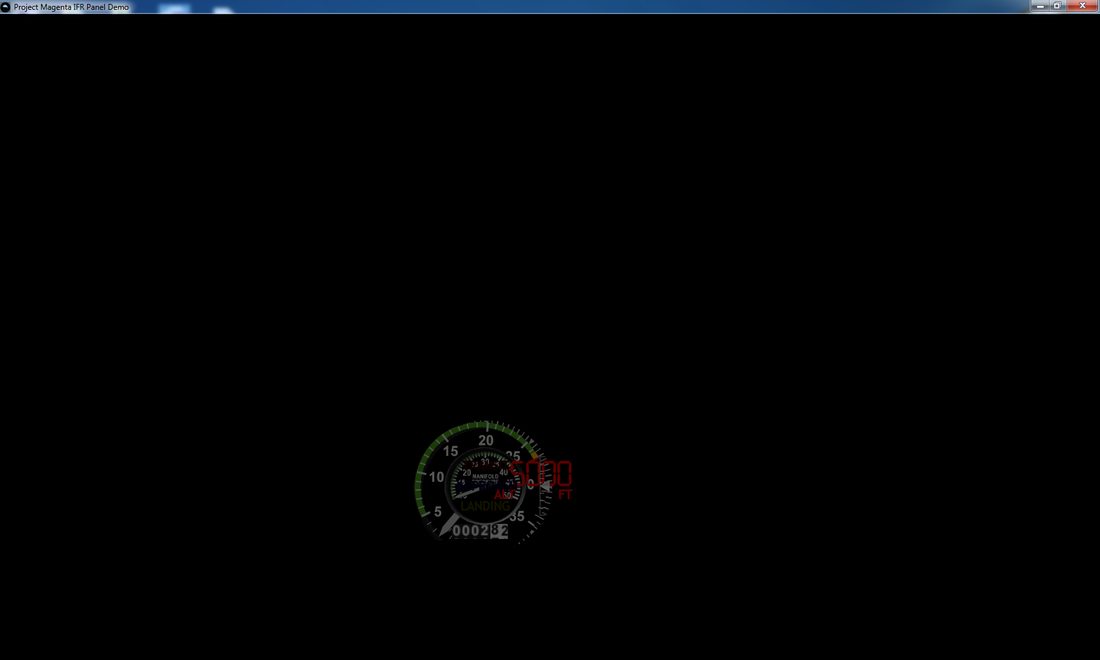
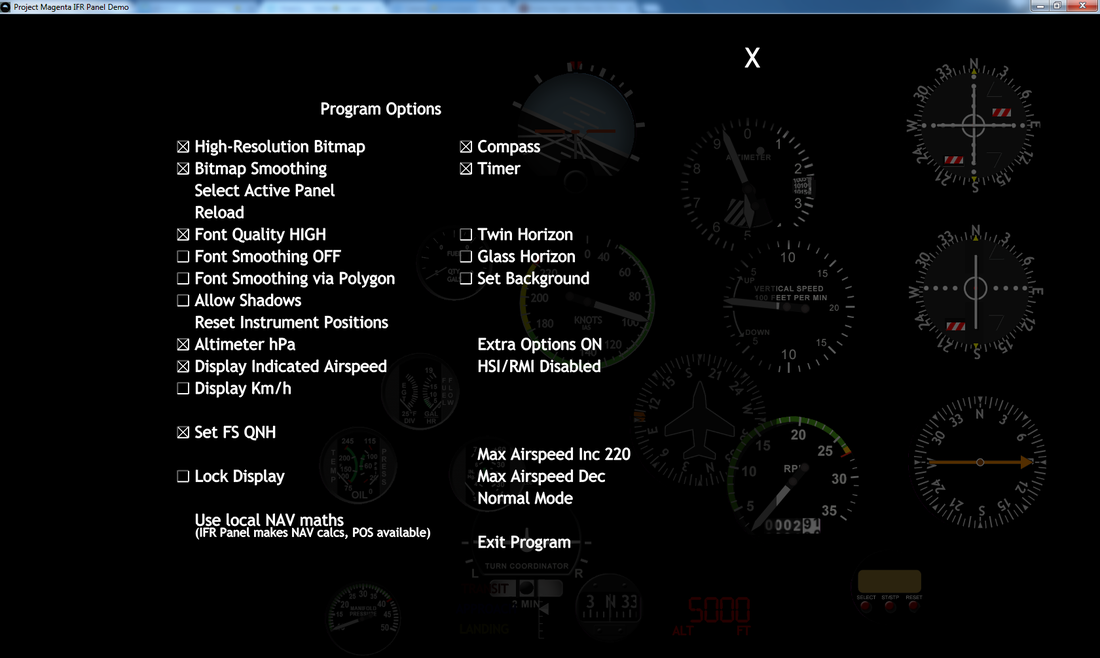
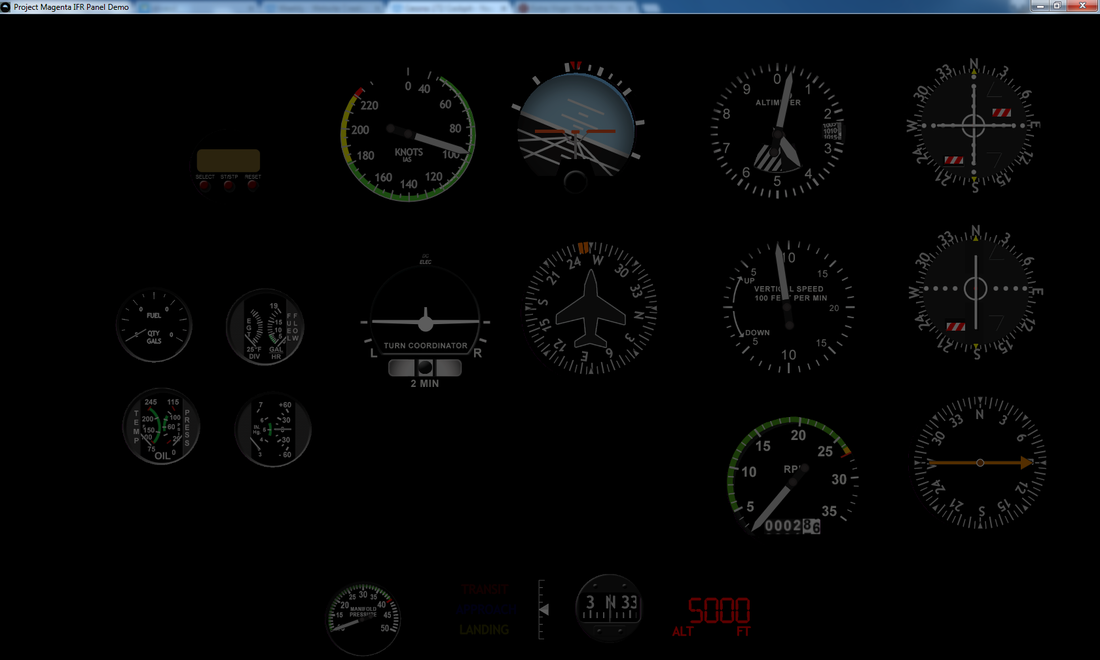
I'm using the Black Instruments because you can move the instruments around with your mouse (while right clicking on a gauge and while holding the right click, moving the mouse around you position the gauge where you want it). You can move each gauge separately or the entire gauges by right clicking on an empty spot and moving the mouse around. You can also increase or decrease the size of one gauge or the entire gauges by clicking on it and using + and - on your keyboard. So you position the gauges in the right places, and when you exit the program, next time it starts with the arranged gauges. To access the Settings, you pres ESC on your keyboard and select the right settings for you.
|
|
|
I really like the gauges and I can only recommend them.
|
|
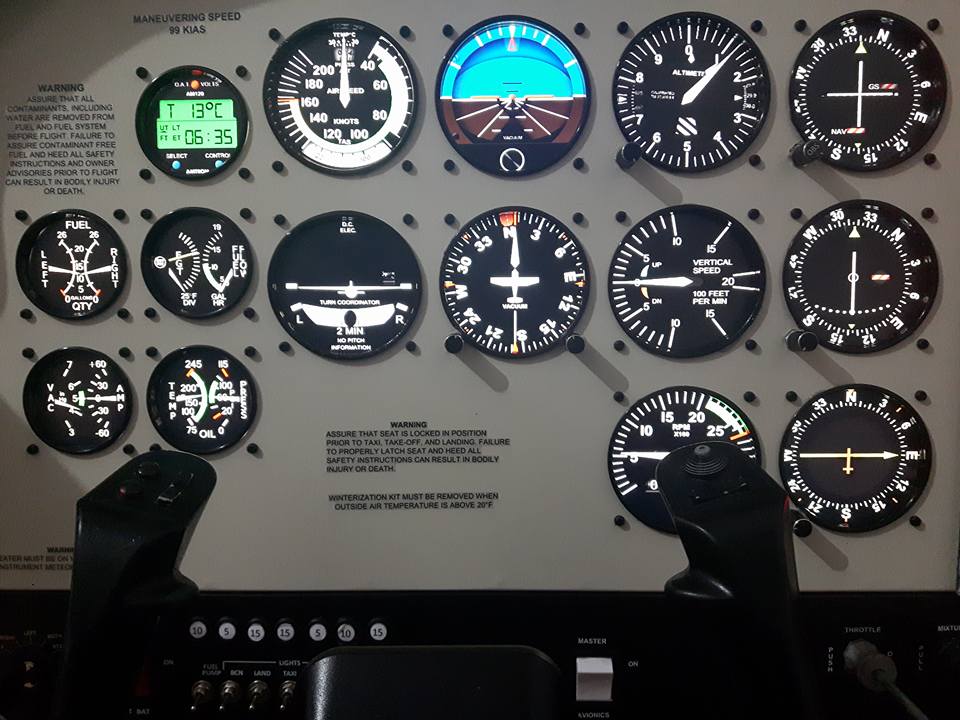
Air Manager
|
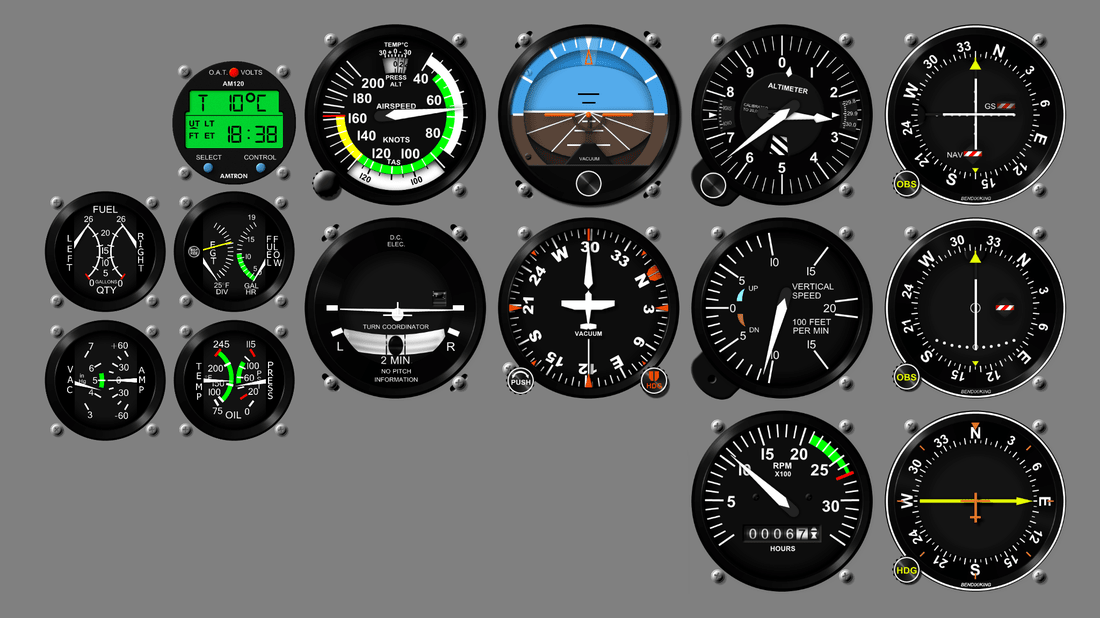
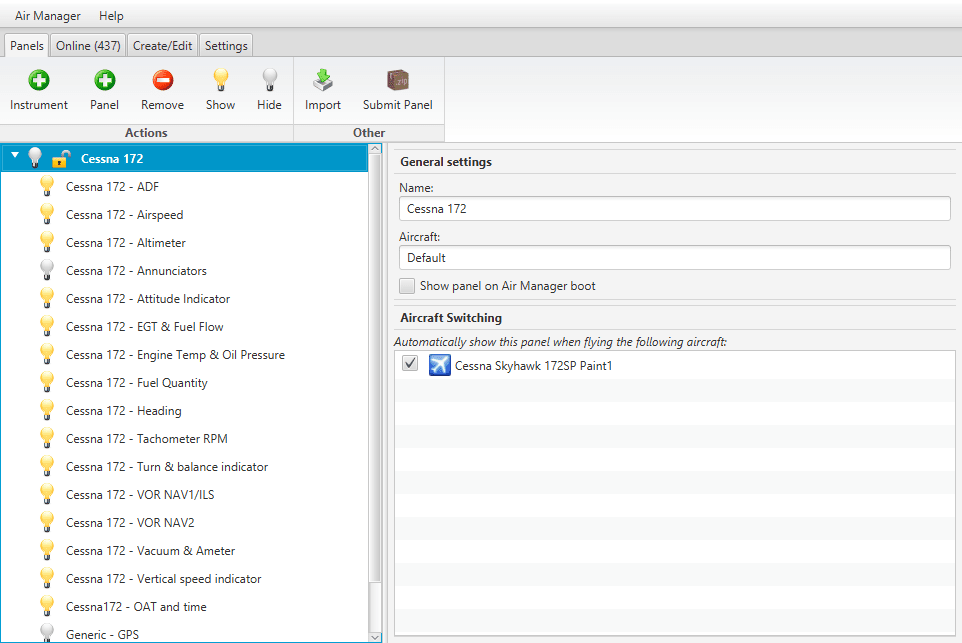
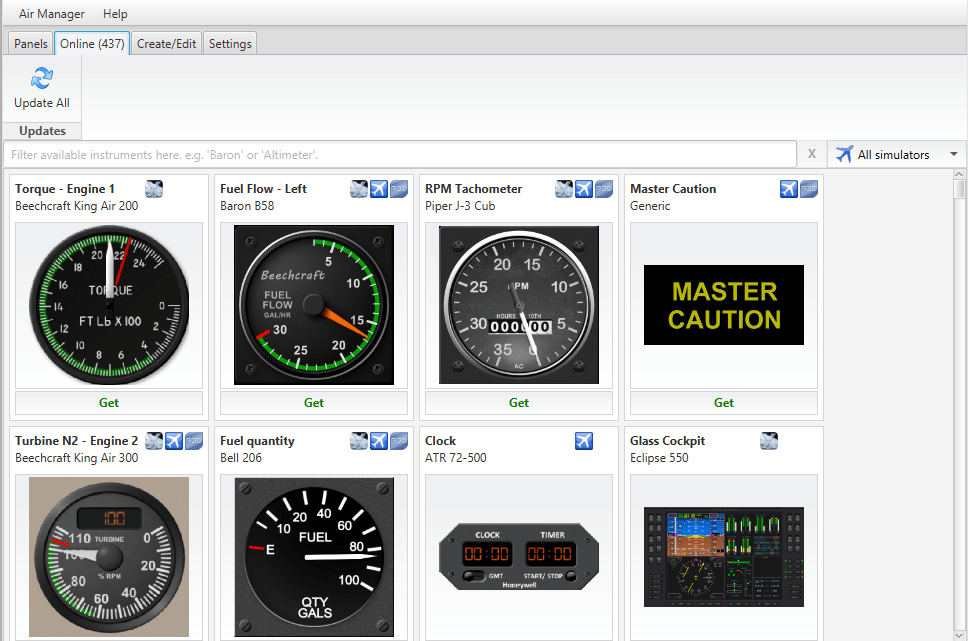
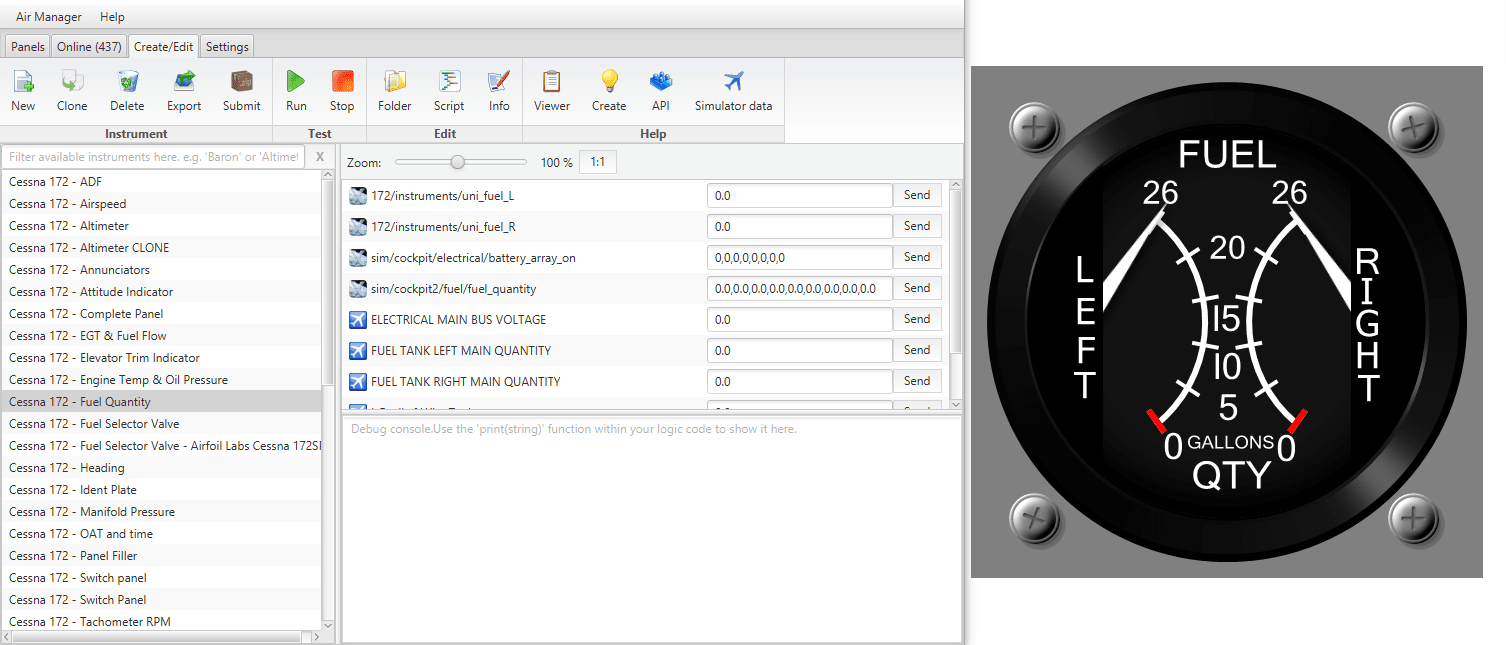
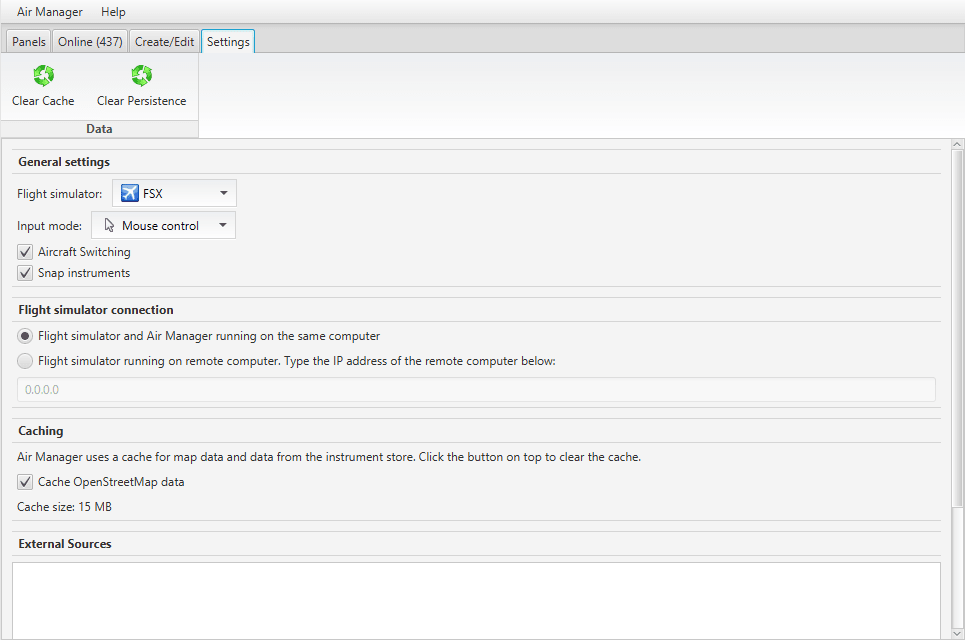
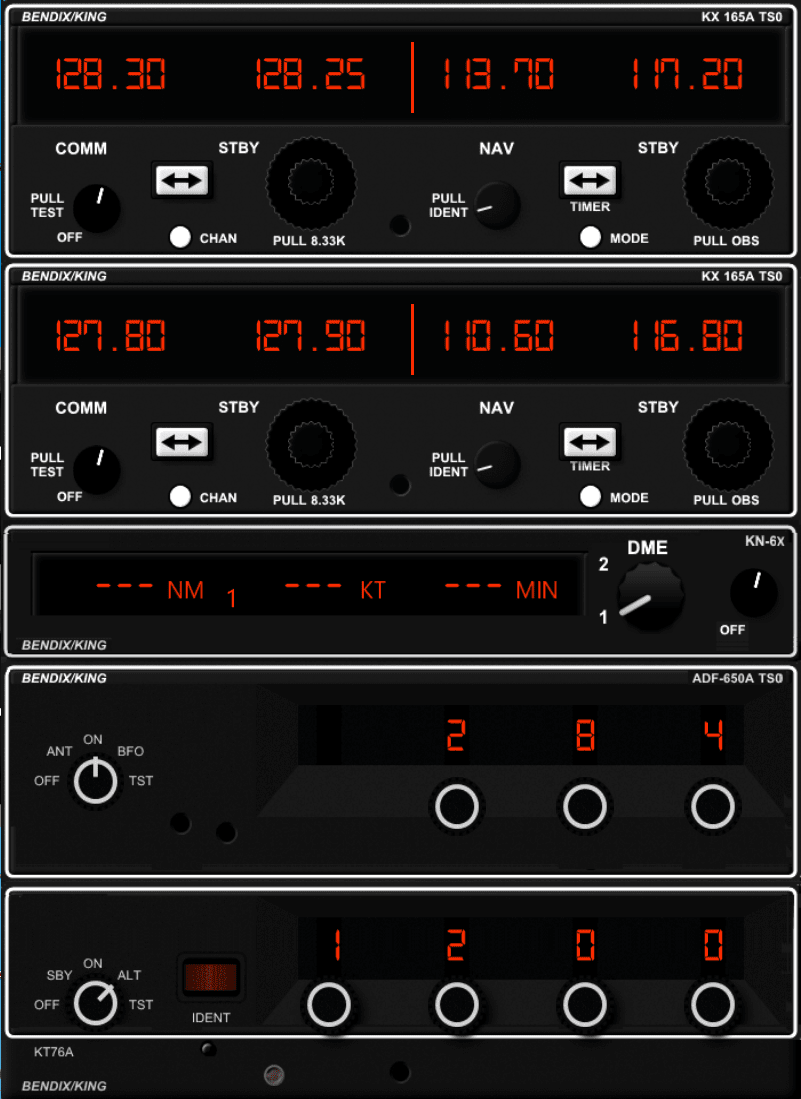
Another great sofware for gauges is Air Manager from Sim Innovations. It is a great sofware for showing gauges on the screen. You can download a lot of gauges that are available online and place them the way you want. The price is also great, 28 Euro (at the time of writing this guide, makes it even better :). But it is not just the price, the quality of the gauges is awesome. So i decided to go with the Air Manager on my cockpit. You can download a DEMO version here and test it, I'm sure you will like it. I'm not associated to Sim Innovations in any way, but the software is really great. Below some pictures, click on them to expand. |
|
|
|
|
|
|
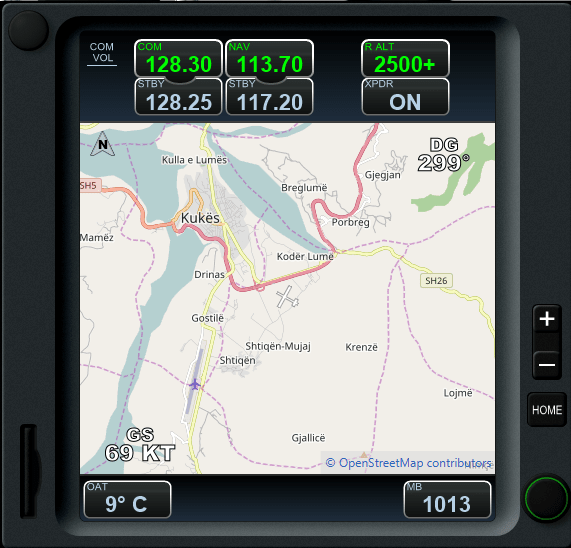
|
And here is a look at the Ari Manager in action:
2015, Copyright AlbEAGLE