EFIS V1.7.x
(work in progress...)
Content:
|
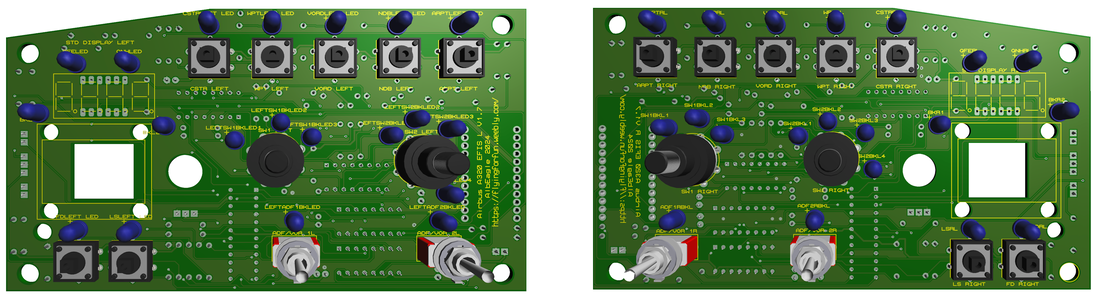
|
EFIS V1.7.1
Changelog:
* Enlarged tactile switches mounting holes
* Swapped rotary switches pins by one (moved starting pin from 1 to 2)
* Connected 320L (was not connected)
* Connected VOR 1 R and VOR 2 R (were not connected)
* Enlarged tactile switches mounting holes
* Swapped rotary switches pins by one (moved starting pin from 1 to 2)
* Connected 320L (was not connected)
* Connected VOR 1 R and VOR 2 R (were not connected)
Coming soon
|
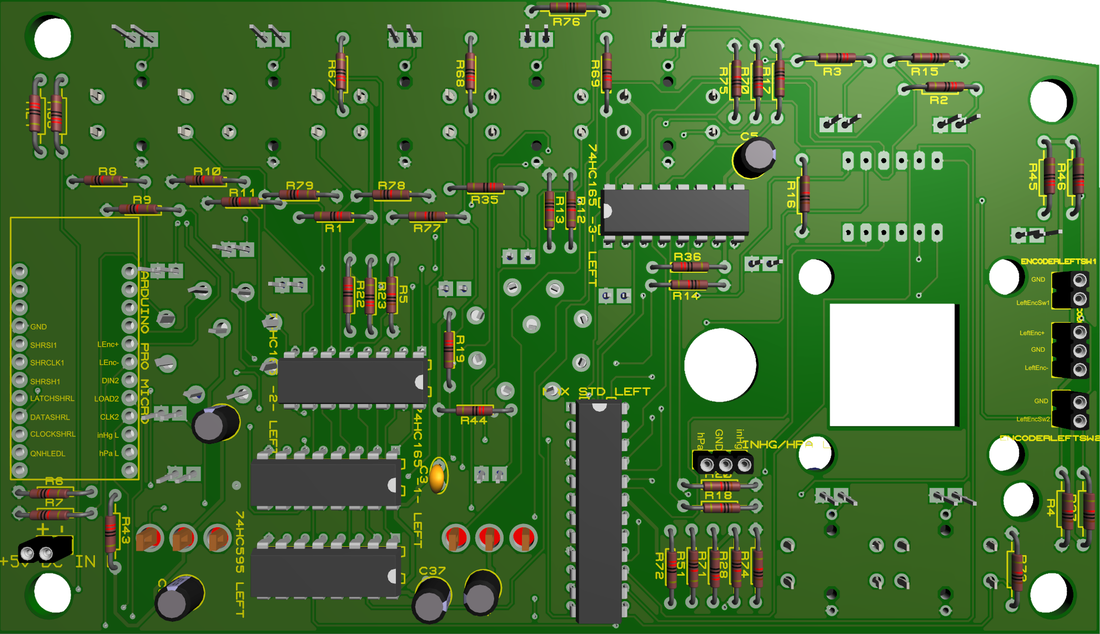
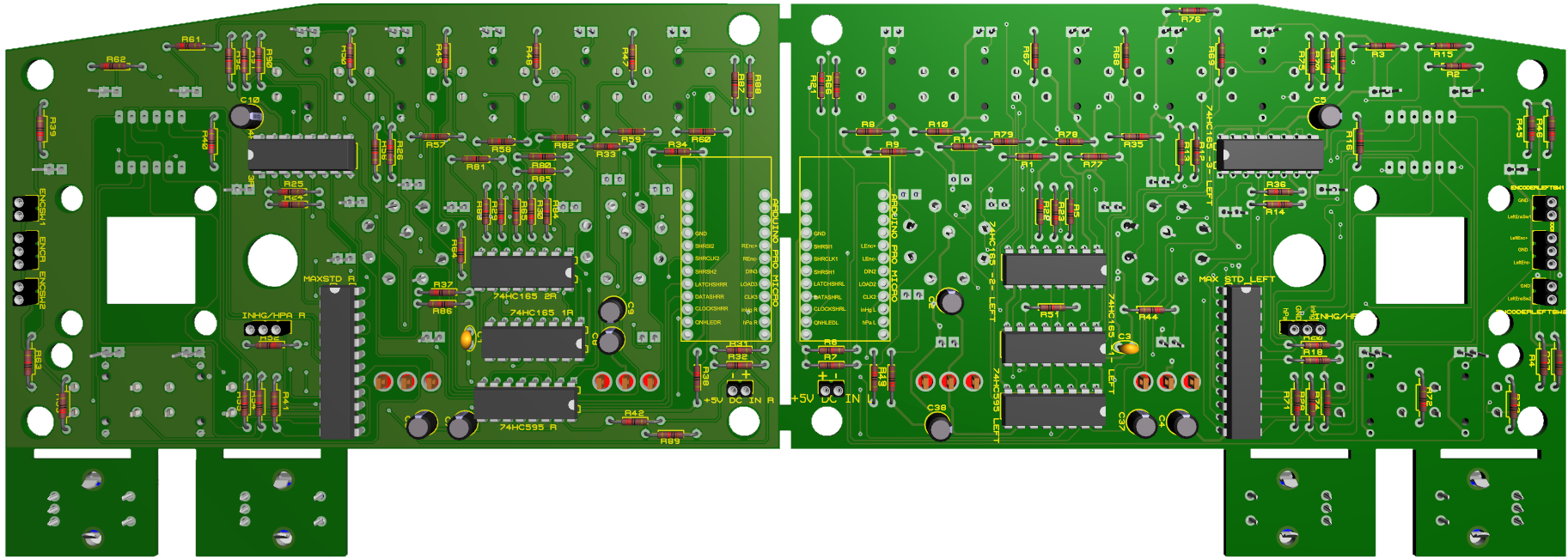
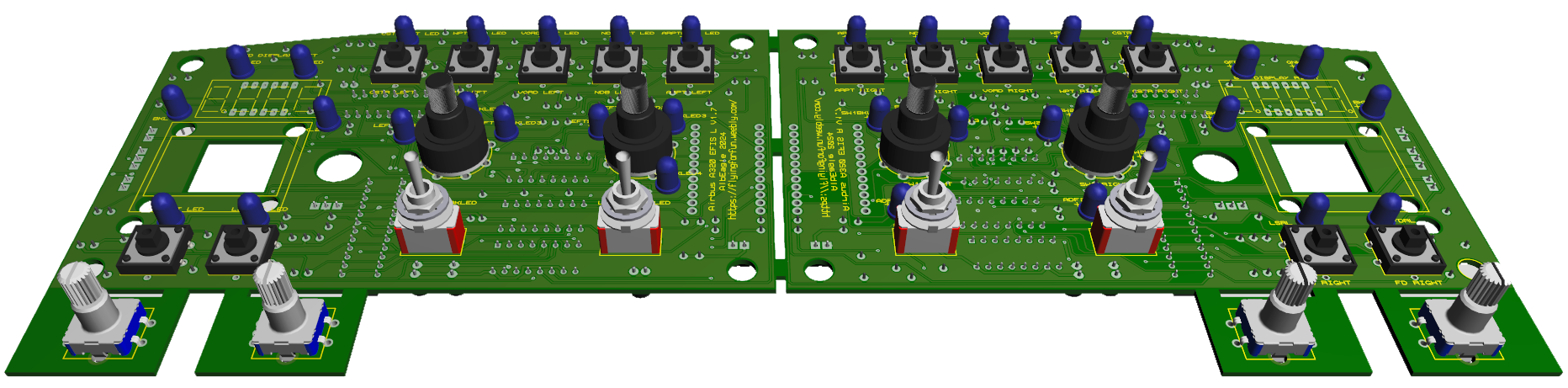
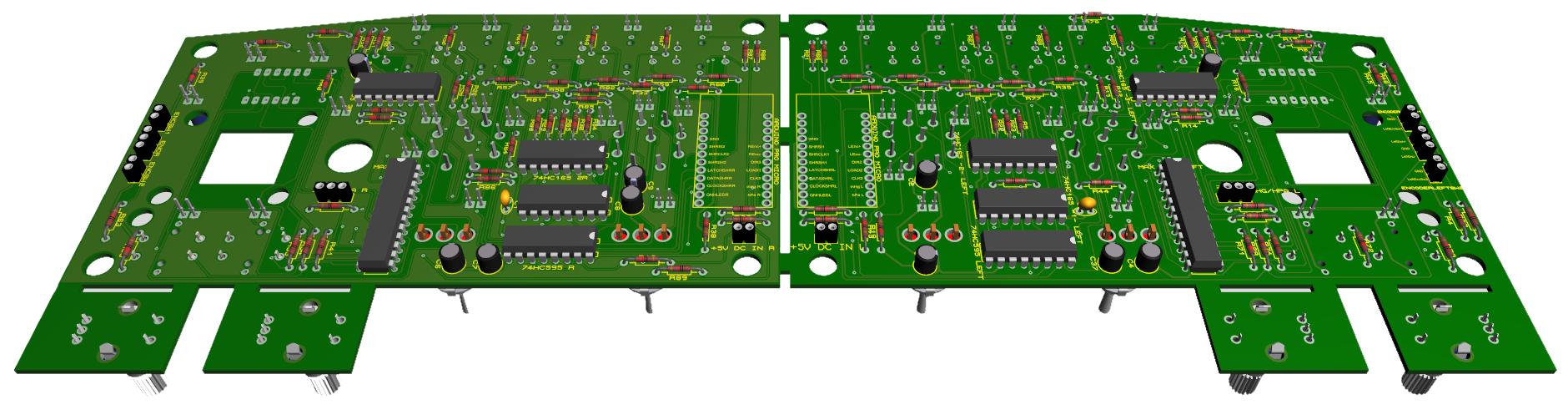
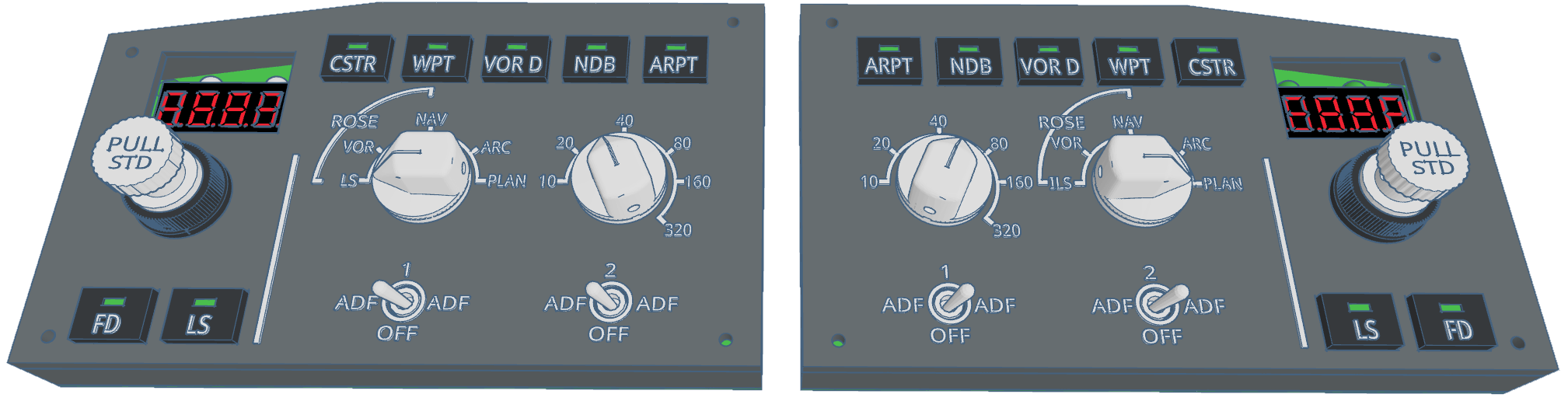
Left EFIS V1.7 (compatible with FCU V1.6 & V1.7)
(can be used alone with an Arduino Pro Micro) 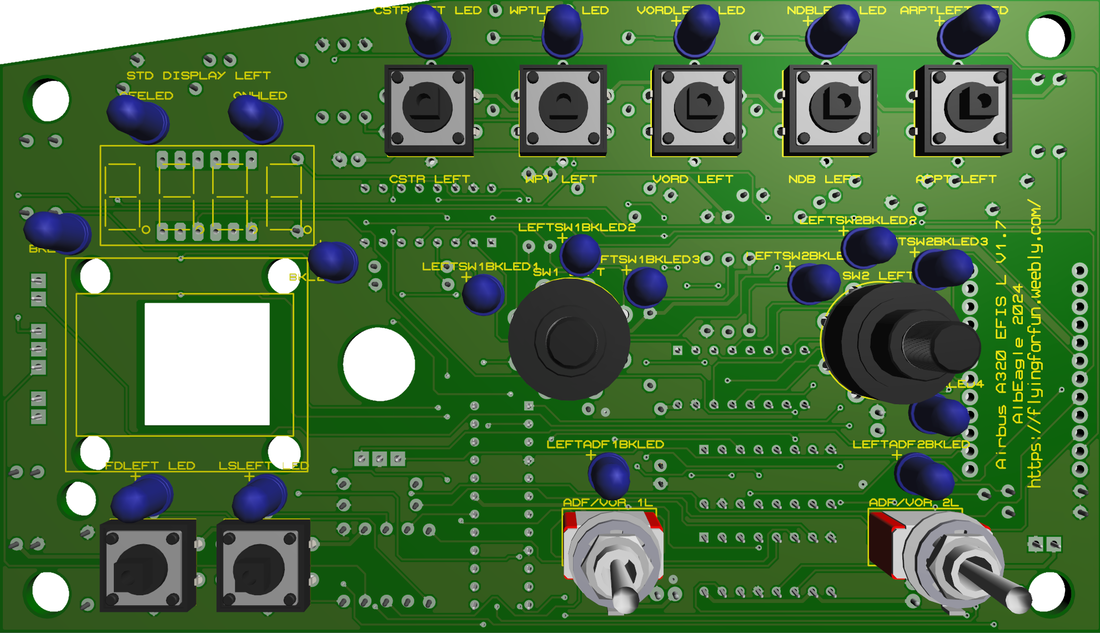
|
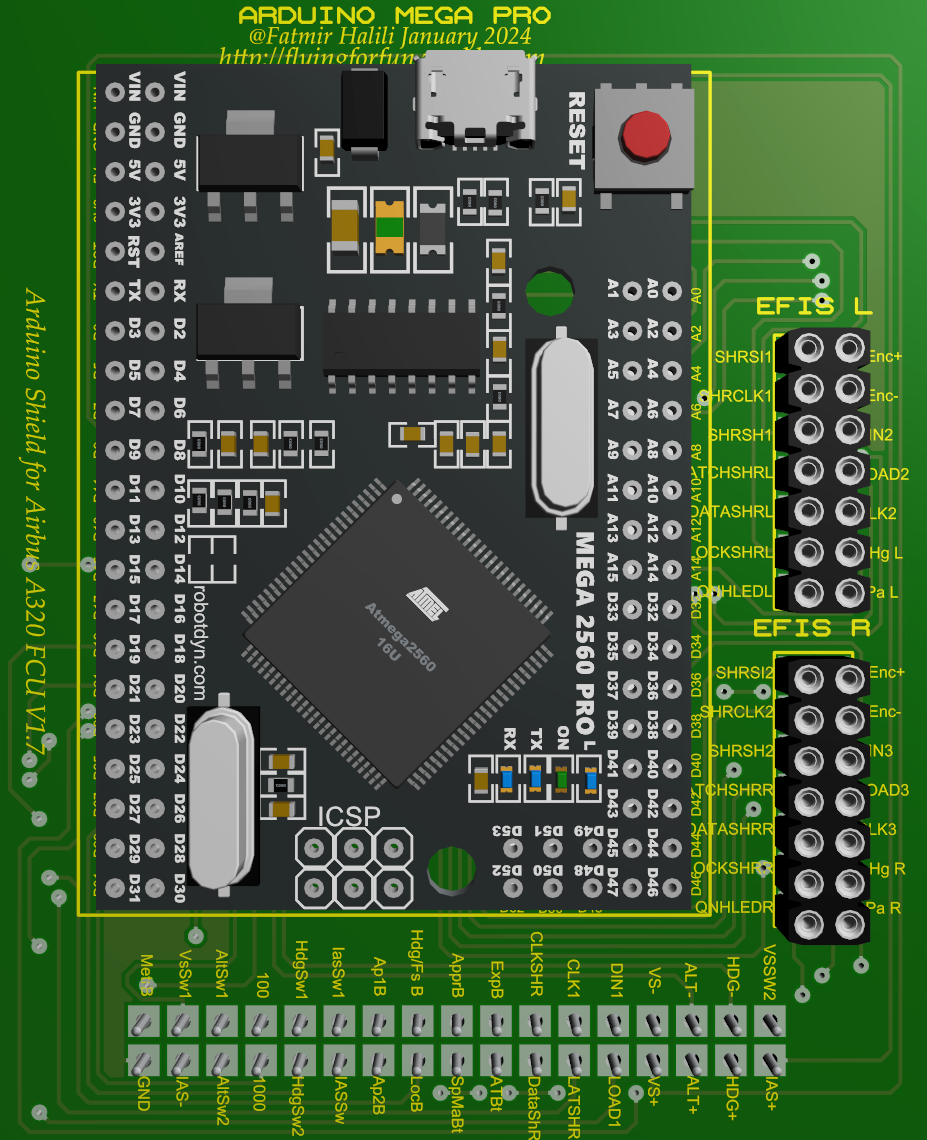
FCU V1.7 (uses same Arduino to connect both EFIS)
(both EFIS can use separate Arduino Pro Micro each) 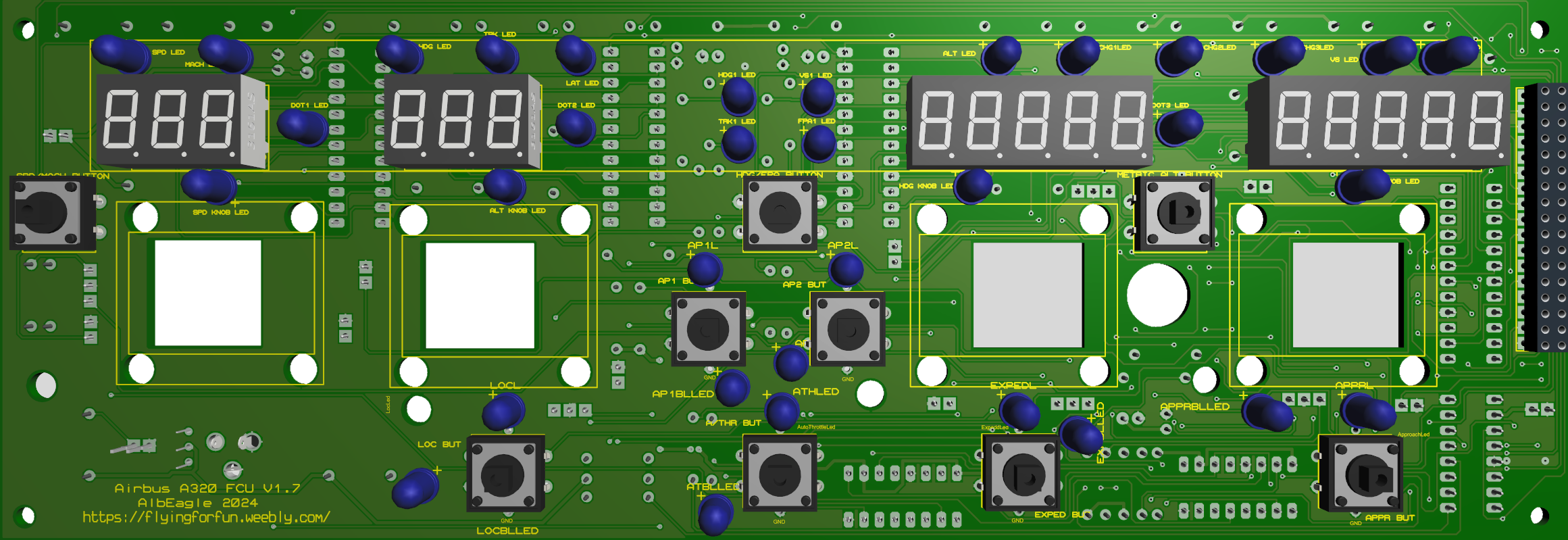
|
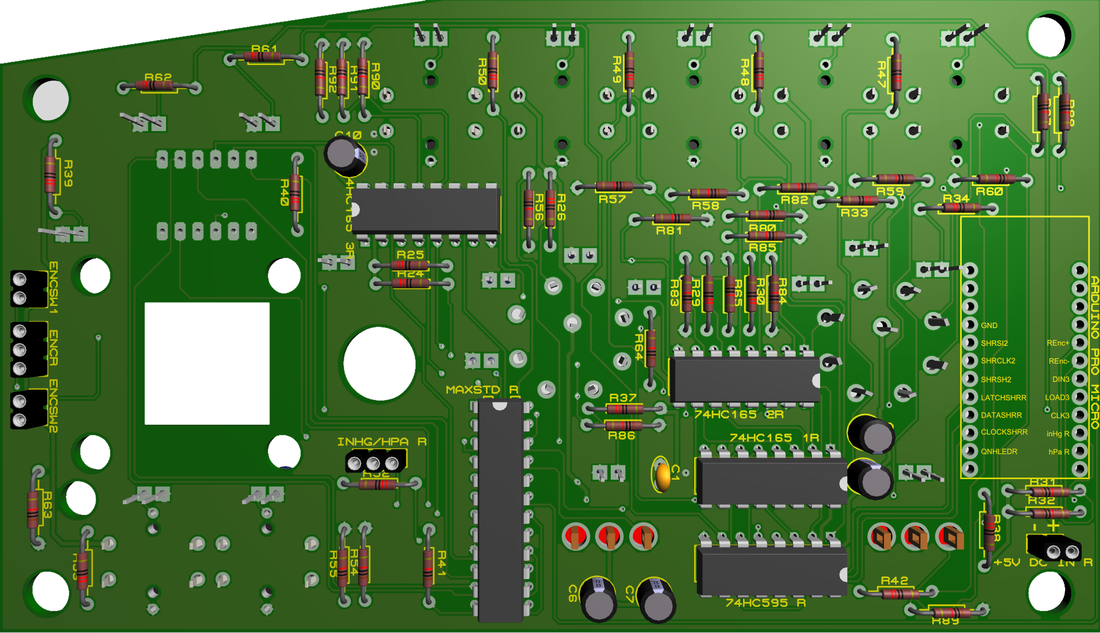
Right EFIS V1.7 (compatible with FCU V1.6 & V1.7)
(can be used alone with an Arduino Pro Micro) 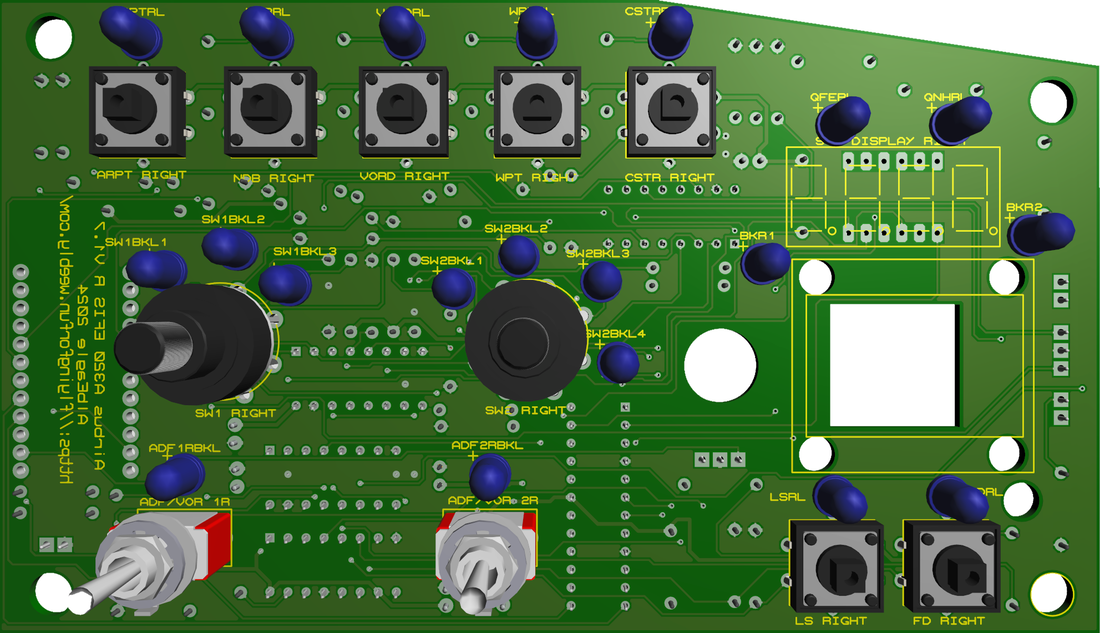
|
|
Right EFIS can be used as standalone or together with FCU V1.6 (the older version), by attaching an Arduino Pro Micro to the back.
|
If you use FCU V1.7, the Arduino shield V1.7 has the extra pins for left and right EFIS to connect to. this way you use only 1 Arduino Mega Pro for the hole system.
|
Left EFIS can be used as standalone or together with FCU V1.6 (the older version), by attaching an Arduino Pro Micro to the back.
|
|
|
|
|
|
|
|
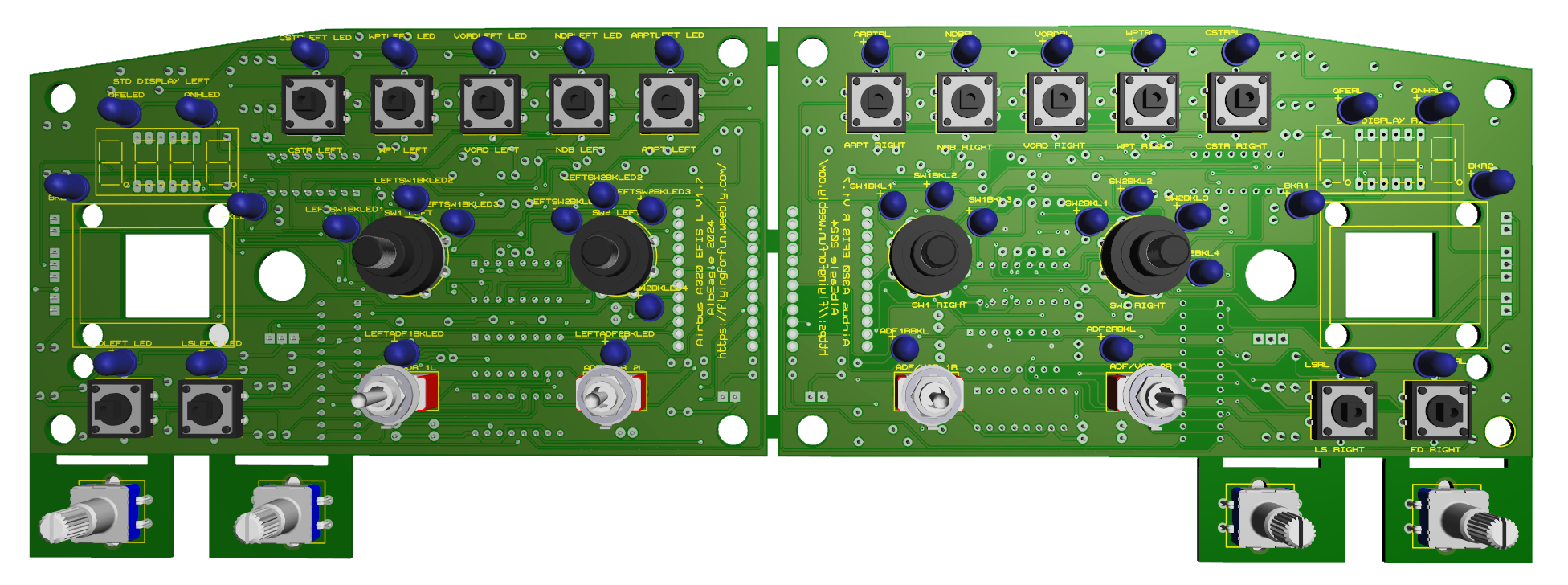
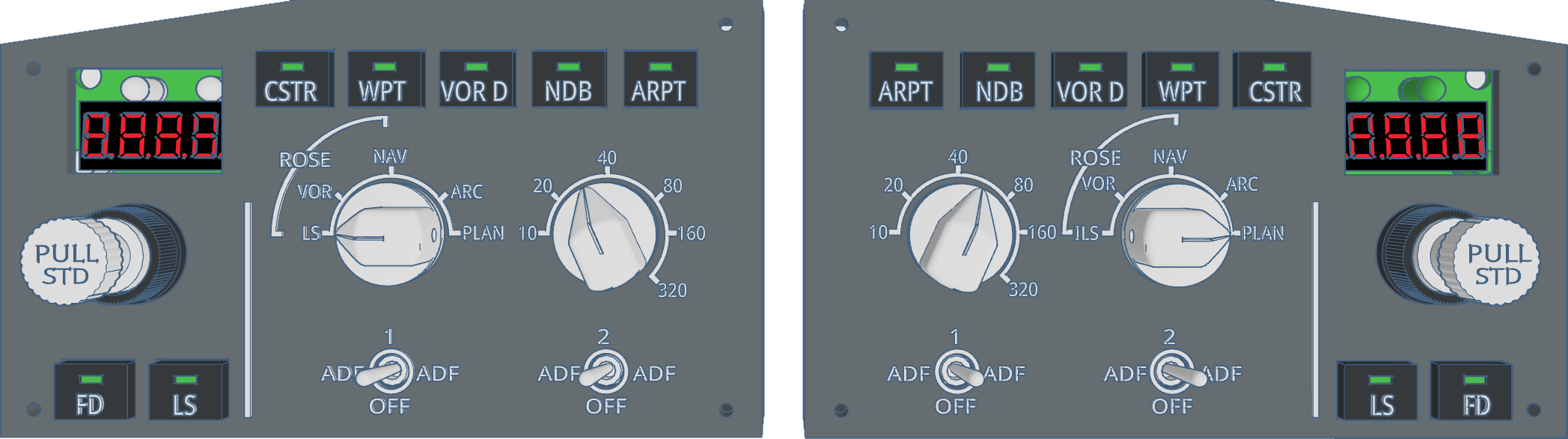
Faceplate
|
|
2015, Copyright AlbEAGLE