Your dream flight . . .
  • Home
  • Cessna 172 Cockpit
    • Main Panel
    • Decals
    • Rotary Encoders
    • Switches
    • Knobs
    • Bezels
    • Ignition key
    • Trim wheel
    • Compass
    • 3D Printed Yoke
    • Rudder
    • PCB Radio
    • DIY Radio
    • GMA Radio
    • GPS
    • Software
    • Annunciators
  • Boeing 737 Cockpit
  • Airbus A320
    • FCU V1.6
    • FCU V1.7
    • EFIS V1.7
    • FCU V2.0
    • FCU V2.1
    • FCU V2.5
  • Baron 58
  • Downloads
  • Donate
  • Forum
  • Disclaimer
  • Home
  • Cessna 172 Cockpit
    • Main Panel
    • Decals
    • Rotary Encoders
    • Switches
    • Knobs
    • Bezels
    • Ignition key
    • Trim wheel
    • Compass
    • 3D Printed Yoke
    • Rudder
    • PCB Radio
    • DIY Radio
    • GMA Radio
    • GPS
    • Software
    • Annunciators
  • Boeing 737 Cockpit
  • Airbus A320
    • FCU V1.6
    • FCU V1.7
    • EFIS V1.7
    • FCU V2.0
    • FCU V2.1
    • FCU V2.5
  • Baron 58
  • Downloads
  • Donate
  • Forum
  • Disclaimer

FCU V1.7
​
(work in progress...)

Content:

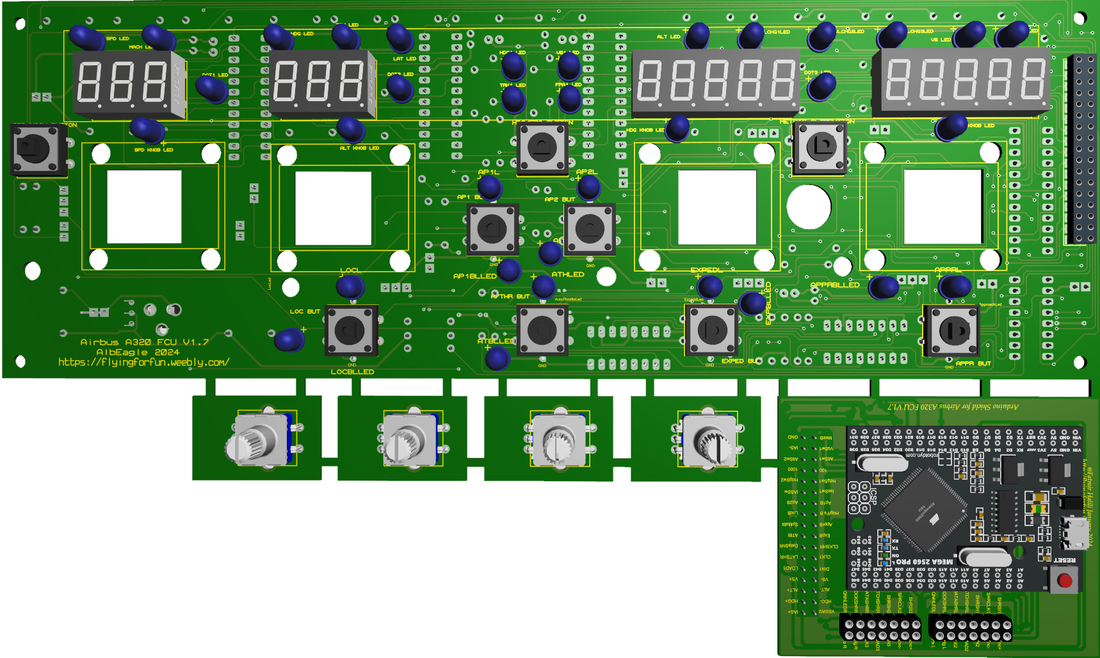
  • PCB​​​
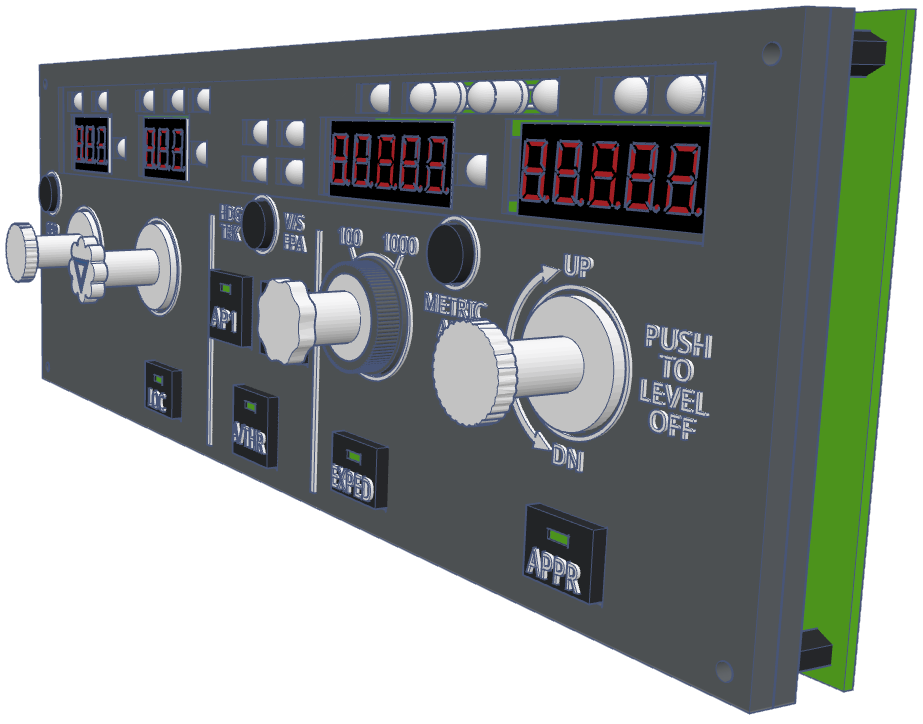
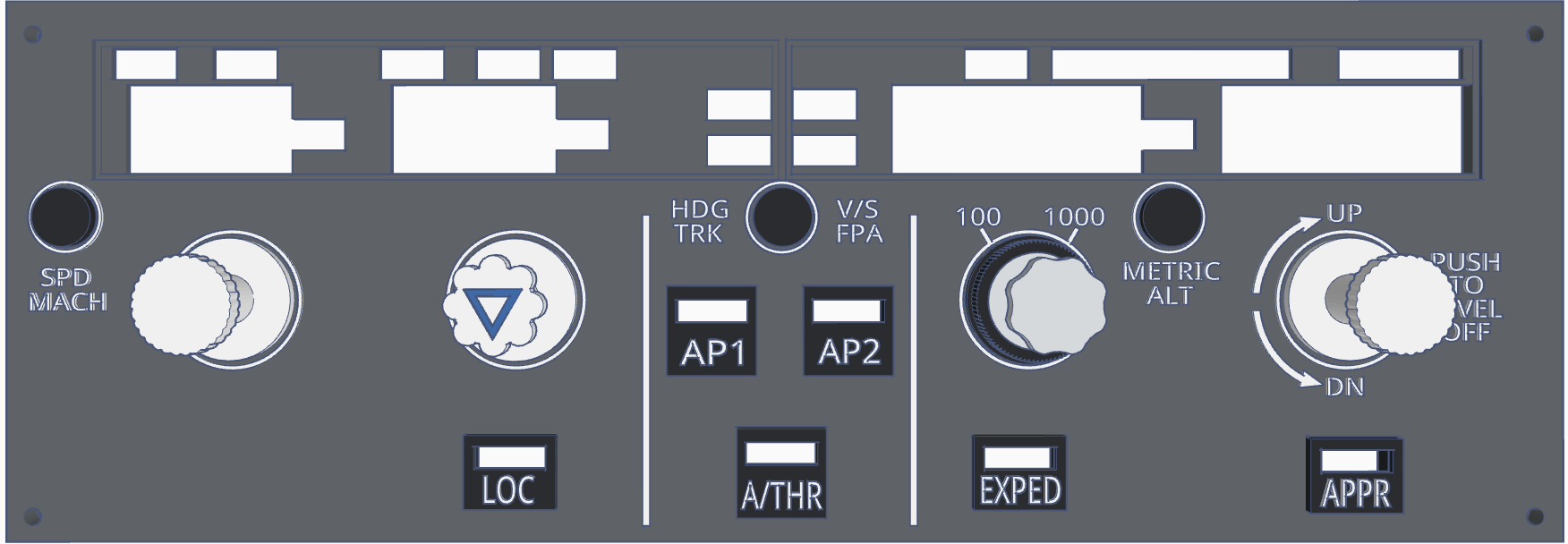
  • ​Faceplate
  • ​Pinouts​​
  • BOM
Picture

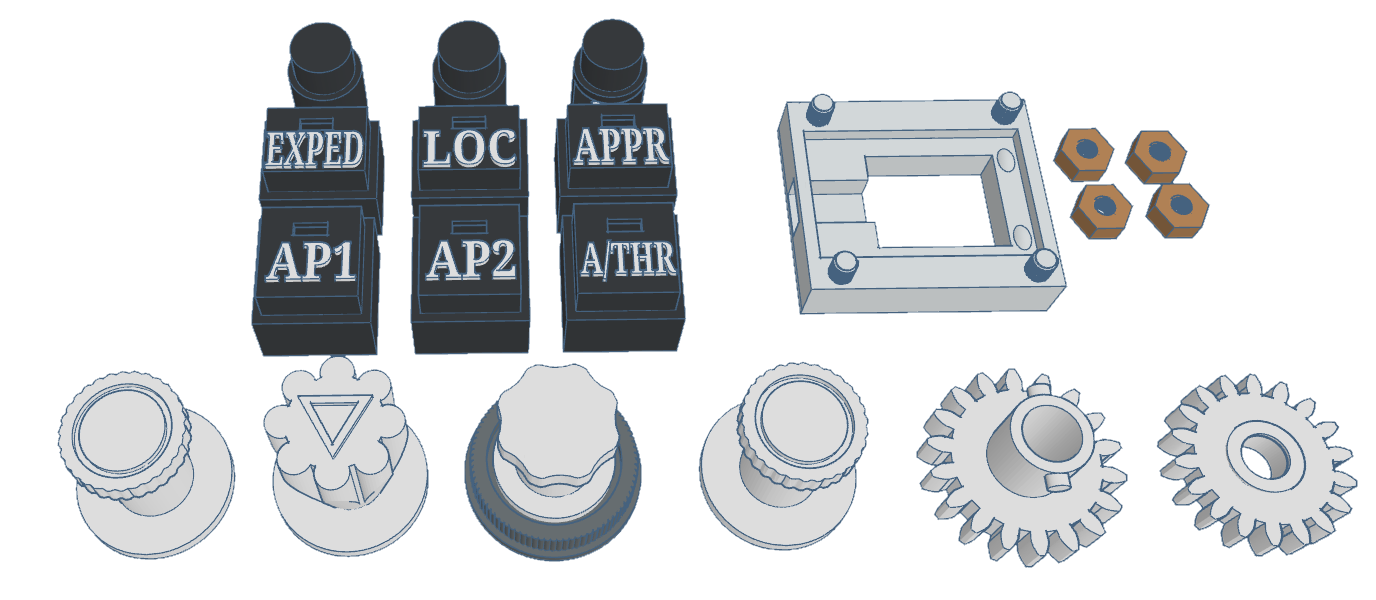
For encoder assambly instructions, click this Link.

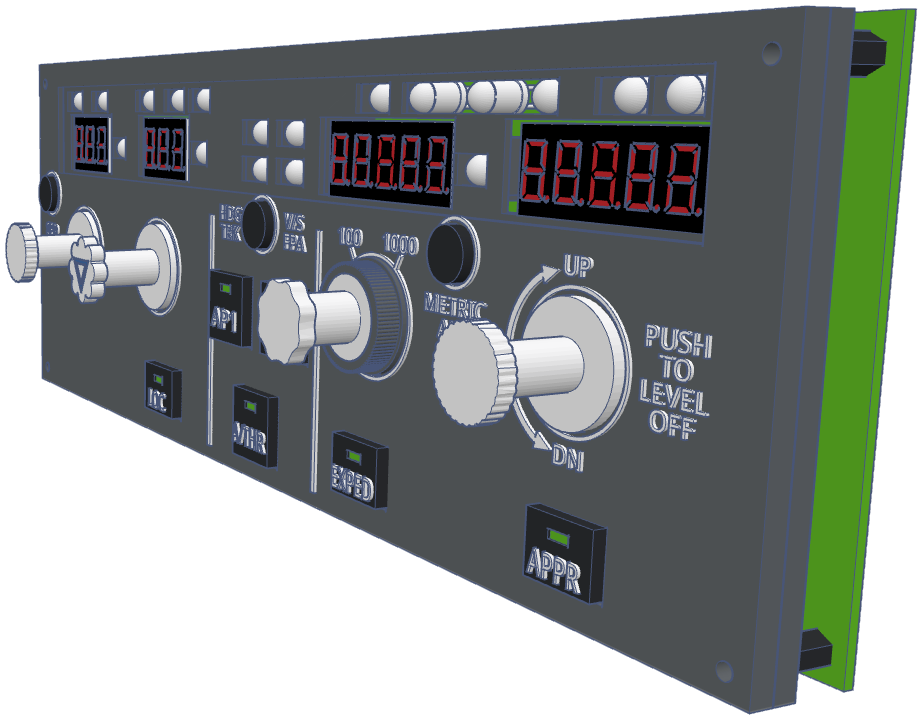
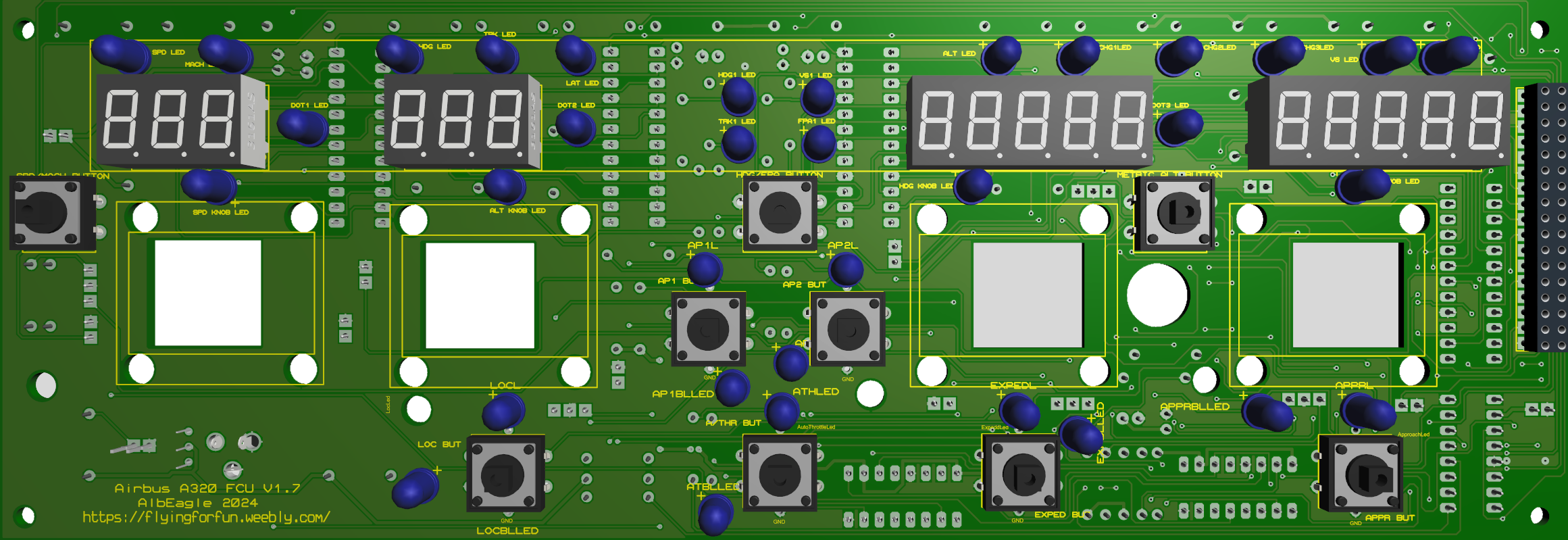
FCU V1.7 (uses same Arduino to connect both EFIS)
​(both EFIS can use separate Arduino Pro Micro each)
Picture
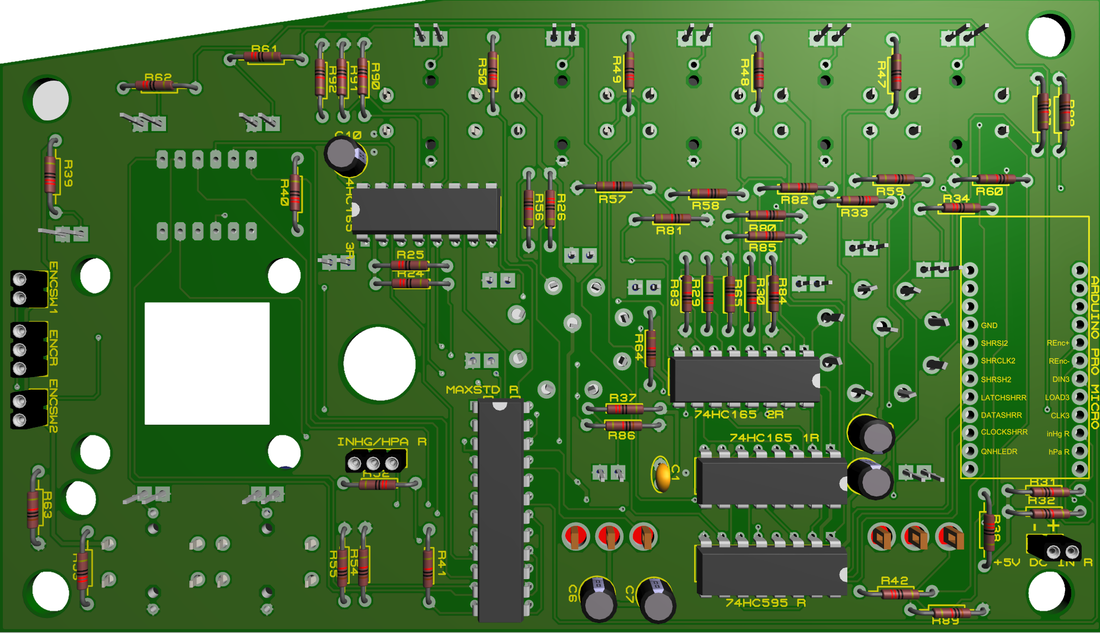
Right EFIS can be used as standalone or together with FCU V1.6 (the older version), by attaching an Arduino Pro Micro to the back. 
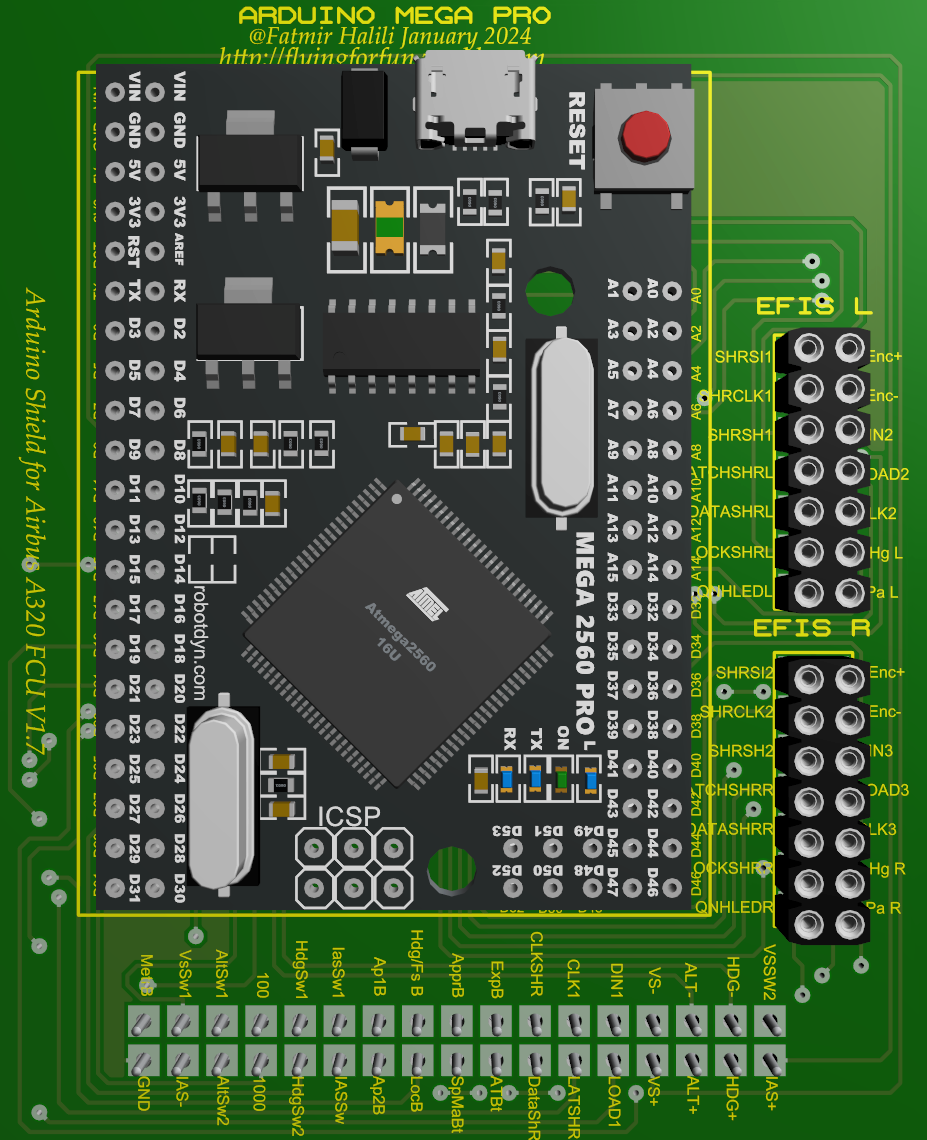
If you use FCU V1.7, the Arduino shield V1.7 has the extra pins for left and right EFIS to connect to. this way you use only 1 Arduino Mega Pro for the hole system.
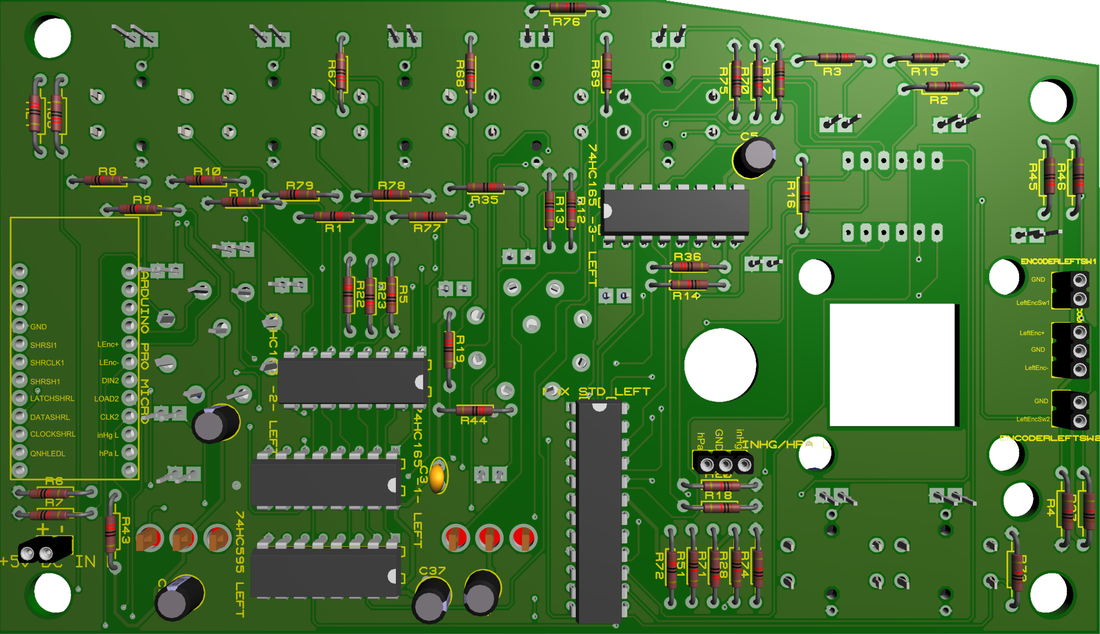
Left EFIS can be used as standalone or together with FCU V1.6 (the older version), by attaching an Arduino Pro Micro to the back. 
Picture
Picture
Picture
Picture

Faceplate

Picture
Picture
Picture

Pinouts

A320 FCU v1.7 Pinouts.xlsx
File Size: 760 kb
File Type: xlsx
Download File

BOM

BOM FCU V1.7.xlsx
File Size: 683 kb
File Type: xlsx
Download File


Back to Top
2015, Copyright AlbEAGLE
Terms of service    Privacy policy   Return policy